Battery life, charge time, and uptime math
The runtime figure on your AMR datasheet was measured under controlled conditions. Here is how to calculate the number that actually matters: useful uptime.
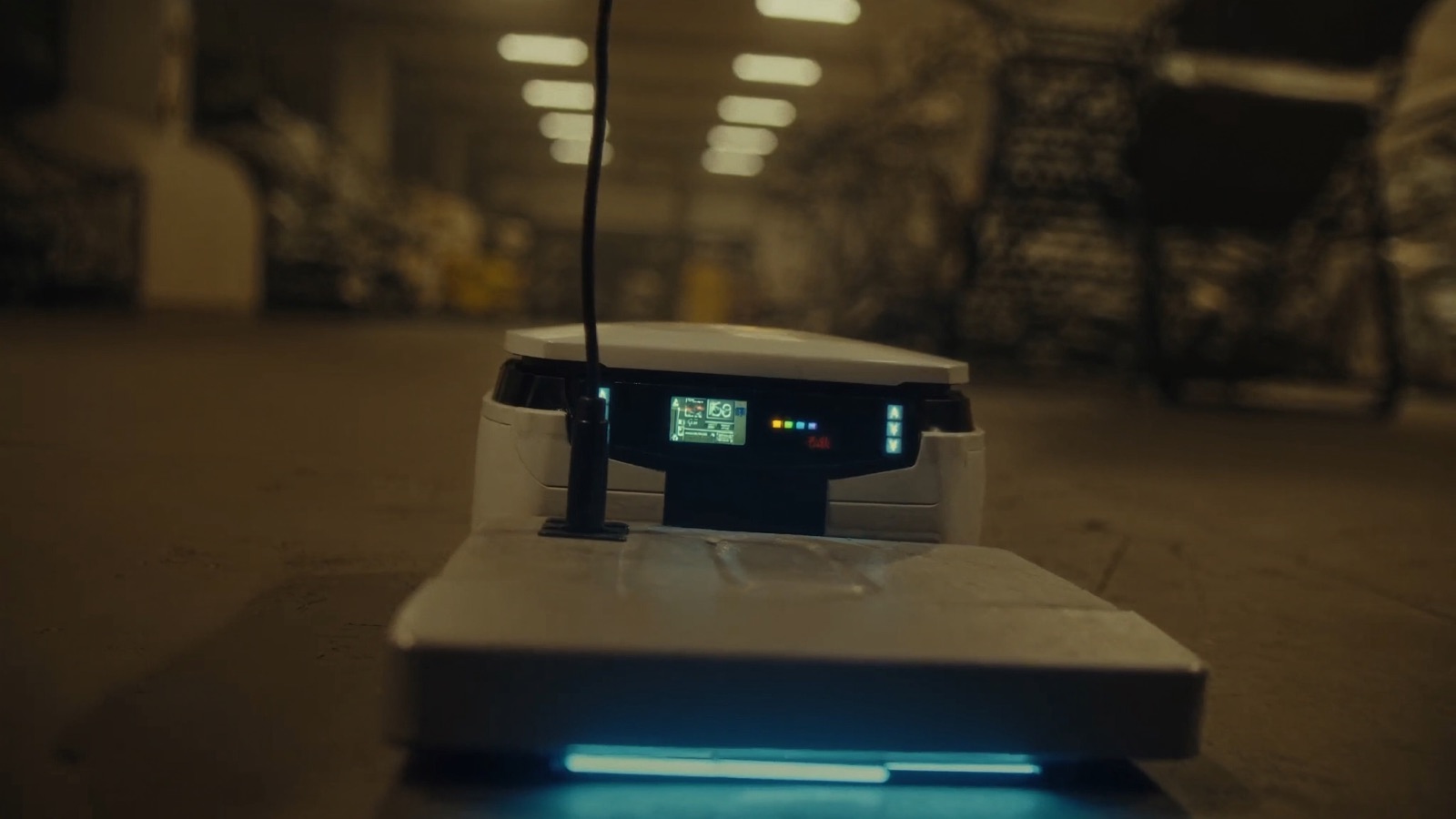
An e-commerce fulfillment center evaluated an AMR fleet with a datasheet listing 10-hour battery life. They ordered enough robots to cover a 10-hour prime shift with two robots in reserve for maintenance. Three months in, they were consistently running short on robots in the final 90 minutes of each shift — not because robots broke, but because the real battery life under their operational conditions was approximately 7.5 hours, the charge time was longer than expected, and their charging strategy had a dead period when too many robots were docked simultaneously.
They had not run the uptime math before the order.
For mobile robots — AMRs, AGVs, and delivery robots — battery life is the upstream variable that determines everything else: fleet size, charging infrastructure, shift coverage, and total cost of ownership. Understanding what a battery life specification actually means, and how to translate it into usable uptime under your conditions, prevents the most common fleet sizing error in the industry.
What "battery life" on a datasheet means
Battery life, runtime, or operating time figures on AMR and AGV datasheets are measured under specific, controlled conditions. Those conditions are rarely stated prominently, but they matter:
Standardized load cycle: the robot moves a defined path at a defined speed with a defined payload. Most manufacturers use an unloaded or lightly loaded cycle. A robot carrying 80 kg continuously draws significantly more motor power than one running empty navigation routes.
Controlled ambient temperature: battery capacity is temperature-sensitive. Lithium iron phosphate (LiFePO4) batteries, which dominate mobile robot applications for their safety profile, lose approximately 15–25% of rated capacity at 0°C compared to 25°C. Hot environments (above 40°C) also reduce effective capacity and accelerate degradation.
New battery at 100% state of charge: the published figure is for a new battery fully charged to its nominal capacity. Degradation over charge cycles reduces this. A lithium battery at 80% state of health (a common end-of-service threshold for mobile robots) delivers 80% of its nameplate runtime.
No opportunity charging: the figure assumes the robot runs until the battery reaches the discharge cutoff, then charges fully and begins again. Operations that use partial opportunity charging — docking for 15-minute top-ups during loading or unloading — have a different effective daily runtime than this model captures.
The gap between nameplate runtime and your operational runtime depends on all four of these factors. Measuring each one gives you a realistic number.
Building the uptime model
Useful uptime is not battery life. It is the fraction of your production window during which the robot is available to perform productive work. Define it before sizing your fleet.
Step 1: Estimate actual battery life under your load
The dominant variables are payload and duty cycle.
Most AMR manufacturers publish a payload-vs-runtime curve or at minimum a payload-vs-energy-consumption table in the integration manual. If yours does not, use this rule of thumb from mobile robot applications engineering: every 10% increase in average payload reduces battery life approximately 8–12%, depending on floor surface, gradient, and speed profile.
Example: a robot with a 10-hour nameplate runtime at 0 kg, running at 80 kg average payload:
- Payload factor: 80 kg might represent 60–70% of rated payload — a high load cycle
- Runtime estimate: 10 hours × 0.75 (conservative payload factor) = 7.5 hours
If you have a mixed cycle — some routes loaded, some empty — weight by the proportion of loaded vs. empty running time.
Temperature correction: if your facility runs below 15°C (cold storage, refrigerated distribution) or above 35°C (outdoor summer operation, uncooled warehouses in hot climates), derate the estimated runtime by an additional 15–20% and inform the vendor so they can validate.
Step 2: Calculate the charge time requirement
Charge time determines how long a robot is out of service per cycle. The relevant parameters:
- Total charge time: the time from depleted battery to full charge at the charger's rated output
- C-rate: the rate at which the battery is charged, expressed as a multiple of its capacity. A 100 Ah battery charged at 50 A is charging at 0.5C. Higher C-rates reduce charge time but accelerate long-term battery degradation.
- Top-off vs full charge: lithium batteries charge rapidly to 80% and then slow significantly (the constant-current to constant-voltage transition). A robot that charges from 20% to 80% in 45 minutes may take an additional 30 minutes to reach 100%. Opportunity charging to 80% is faster and gentler on battery chemistry.
For a 10-hour-runtime robot with a 2-hour full charge time, the raw utilization rate is:
10 ÷ (10 + 2) = 83.3%
That is: for every 12 hours, the robot is available 10. In a 24-hour continuous operation, you need at least 1.2 robots per concurrent active position to maintain coverage — round up to 1.3 to account for maintenance and variability.
Step 3: Account for battery degradation over the fleet lifecycle
Lithium cells degrade with each charge cycle. The rate depends on chemistry, C-rate, depth of discharge, and thermal management quality. For LiFePO4 (the industry standard for safety and cycle life), a reasonable planning assumption:
- Year 1–2: 3–5% capacity loss per year under normal operation
- Year 3–5: 5–8% capacity loss per year as degradation accelerates
- End of service threshold: most mobile robot operators replace battery packs when capacity falls below 80% of nameplate — at which point runtime is already 20% reduced
If you are buying a fleet with a 5-year operational horizon, plan for batteries that may need replacement in year 3–4 for high-utilization robots, and budget accordingly. Ask vendors for their rated cycle life (the number of charge cycles to 80% capacity), not just the chemistry type. A battery rated for 2,000 cycles at 1C charging, running one charge cycle per day, has a 5.5-year theoretical calendar life — but high-C-rate fast charging or deep discharge shortens this significantly.
The fleet sizing calculation
Fleet sizing is an operations research problem, but a simplified version works well for early-stage evaluation.
The basic formula:
Minimum fleet size = (Concurrent robot positions required × shift hours) ÷ (effective runtime per cycle)
Where:
- Concurrent robot positions required = the number of active robot tasks at peak demand in your operation
- Shift hours = the production window you need to cover
- Effective runtime per cycle = actual battery runtime under your conditions (not nameplate)
A worked example:
- A 2-shift operation (16 hours/day) needs 8 concurrent active robots during each shift
- Actual battery life under load: 7.5 hours
- Full charge time: 1.8 hours
- Robots cycle: 7.5 hours run, 1.8 hours charge = 9.3 hours per cycle
- Robot utilization per 16-hour shift: 7.5 ÷ 9.3 = 80.6%
To maintain 8 concurrent active robots at 80.6% utilization:
8 ÷ 0.806 = 9.9 → round up to 10 robots
But this assumes robots rotate off for charging seamlessly. In practice, charging station availability, traffic patterns, and the synchronization of charge cycles require an additional buffer. A standard engineering reserve is one additional robot per 8–10 active positions:
10 + 1 = 11 robots minimum for this scenario
And for maintenance, planned downtime, and unexpected failures — industry practice adds another 10–15%:
11 × 1.12 = 12.3 → order 13 robots
The datasheet says the robots run 10 hours. The fleet sizing model says you need 13 robots to cover 16 hours with 8 concurrent active positions. That gap — 8 robots imagined, 13 robots needed — is a real and common budget surprise.
Charging strategy: the design decision that changes everything
How you charge is as important as the robots themselves. The three main strategies have different infrastructure costs and operational profiles:
Dedicated charging stations with planned swap
Each robot returns to a fixed dock when its battery reaches a threshold state of charge (typically 20–25%). While charging, another robot takes over the route. This is the easiest strategy to plan and the most common in structured operations like warehouse AMR deployments.
Advantages: predictable, easy to monitor, compatible with opportunity charging protocols
Disadvantages: requires enough dock capacity to charge all off-floor robots simultaneously during peak demand; creates a choreography problem if multiple robots reach charge threshold at the same time
Infrastructure rule of thumb: plan for charging capacity equal to 30–40% of fleet size available simultaneously. For a 13-robot fleet: 4–5 charging stations.
Opportunity charging at load/unload points
The robot charges briefly (10–20 minutes) at pick stations, drop-off points, or while waiting in queue. The goal is to top off the battery enough that the robot never needs a full dedicated charge cycle during the production window.
Advantages: maximizes robot availability; reduces the number of dedicated charging stations required
Disadvantages: requires charging infrastructure at operational positions, not just a dedicated dock area; requires sophisticated fleet management software to balance charging with task assignment; does not work for robots with small batteries that need large charge events
Battery chemistry consideration: opportunity charging is gentler on LiFePO4 chemistry than on some other lithium variants, but frequent shallow cycles do affect long-term degradation. Ask the vendor for their rated cycle life under partial state-of-charge cycling (typically expressed as a percentage of rated depth-of-discharge).
Swappable battery packs
The robot returns to a swap station where a depleted pack is exchanged for a charged one in 2–5 minutes. Charged packs are maintained in a bank. This is most common in high-utilization AMR operations where downtime for charging is operationally intolerable.
Advantages: near-zero downtime for charging; robots can run 24/7 with appropriate pack bank sizing
Disadvantages: significant infrastructure cost (swap stations, pack banks, pack management logistics); only available on robots specifically designed for hot-swap battery systems; adds maintenance complexity
What to ask vendors before specifying a fleet
On the datasheet:
"What payload and speed were used to measure the advertised runtime?" If the answer is zero payload or unspecified, ask for runtime at your expected average payload.
"What is the rated cycle life of the battery to 80% capacity, and at what C-rate?" This determines when you will need to replace battery packs.
"Does the runtime figure include the robot's compute and sensor payload?" Some robot specifications include power for the chassis drive only; lidar, cameras, and onboard compute add 50–150 W to the power budget and reduce runtime accordingly.
"What is the battery management system's (BMS) temperature range, and how does runtime change at [your ambient temperature]?" Cold storage and outdoor summer operation need explicit answers here.
"What is the full charge time from 0% to 100%, and from 20% to 80%?" Both figures matter for planning opportunity charging windows.
On fleet sizing:
"Can you simulate our operation in your fleet management software and provide a fleet size recommendation with your assumptions stated?" This puts the sizing model in writing and creates accountability.
"What have your customers in similar operations found to be the practical uptime as a percentage of the nameplate runtime?" The honest answer is 70–85% for most warehouse AMR operations.
The numbers to track after deployment
Once the fleet is running, these metrics tell you whether your uptime model was accurate:
- Mean time between charges (MTBC): actual average runtime before a robot initiates a charge event. Compare to your modeled estimate.
- Average state of charge at dock (SOC@dock): if robots are consistently arriving at the dock below your target threshold (20–25%), either runtime is shorter than expected or routing is not optimizing charge events.
- Fleet utilization: (total productive robot-hours) ÷ (fleet size × shift hours). A world-class warehouse AMR operation runs 80–85% utilization. Below 70% suggests over-fleet or high idle time; above 90% suggests under-fleet with coverage risk.
- Battery SOH by robot: most modern AMR fleet management systems track state of health per robot. Robots whose SOH falls below 85% should trigger a battery replacement work order before performance degradation becomes visible as missed tasks.
The battery life number on the spec sheet is a reference point. The number that matters is the productive uptime your specific operation gets from each robot, and the fleet size you need to guarantee coverage through peak demand, charging, and maintenance. Run the math before you order. Vendors who run it with you, with their assumptions visible, are the vendors worth trusting.
Next in this series: The hidden specs vendors hope you'll miss
Discussion
0 commentsNo comments yet. Sign in to be the first.