How to Score a Vendor Demo — Beyond \"It Looks Impressive\"
A structured evaluation framework for robot demos, with seven tests that reveal what a polished presentation is designed to hide.
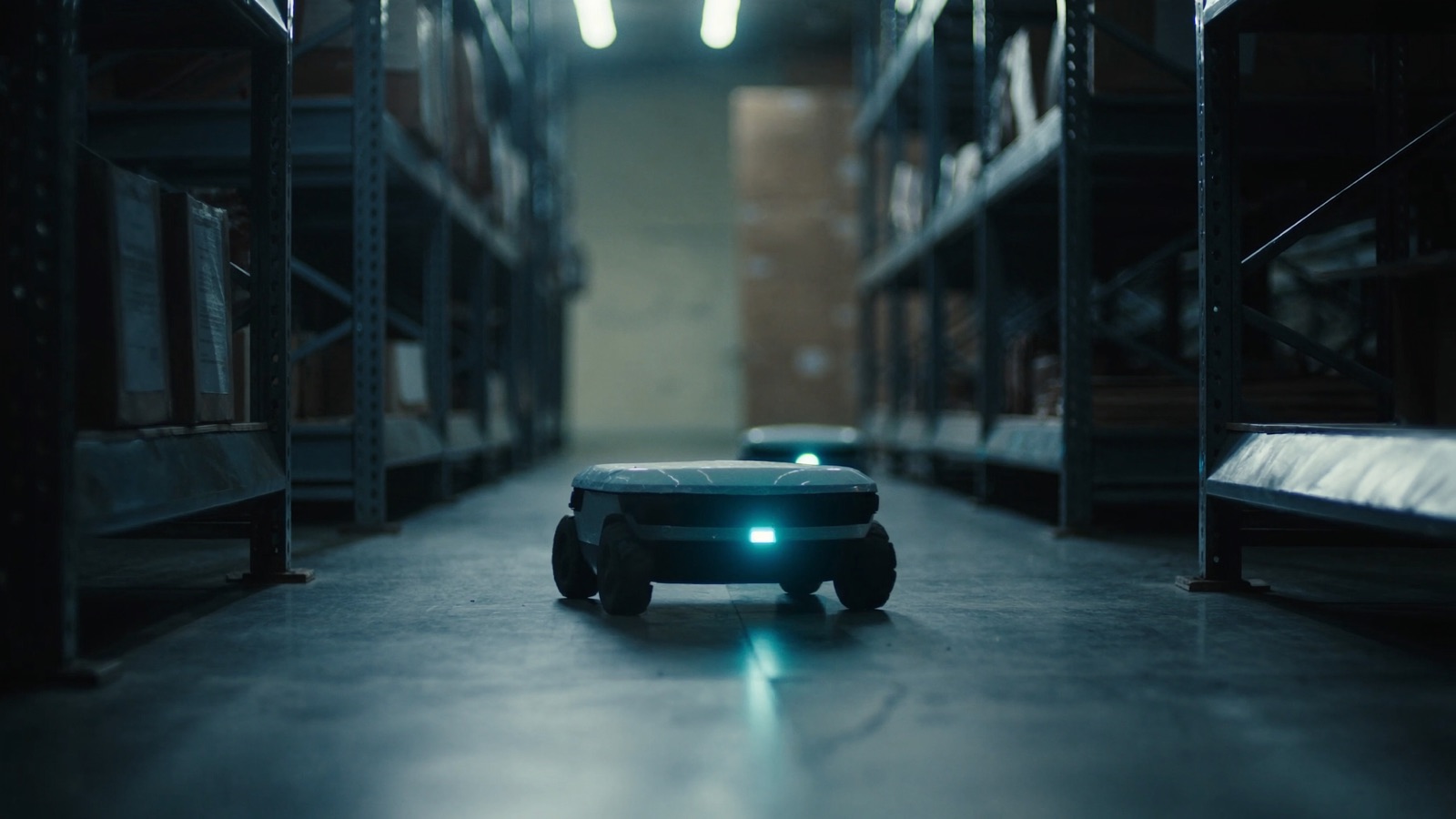
The demo looked flawless. The robot navigated a mock warehouse floor, picked items from shelving, handed them off, returned to charging, and responded to simulated exceptions. The procurement team was impressed. The vendor's account executive said "what you see is exactly what you get in your facility."
Six months into the contract, the team had learned what the account executive had not said: the demo floor had four times the WiFi access point density of their actual warehouse; the picking workflow had been simplified for the demo and did not include the exception-handling paths that made up 30% of their real picking volume; and the robot's top speed in the demo was 20% higher than the speed the safety assessment at their facility would ultimately permit.
None of this was a lie. The robot did exactly what it showed. The demo just wasn't showing what the buyer thought it was.
This framework gives your team seven specific tests to run during a vendor demo — tests the vendor did not prepare for, designed to reveal operational behavior rather than rehearsed performance.
The Fundamental Problem With Vendor Demos
A vendor demo is a sales tool, not an acceptance test. The vendor's objective is to create a purchase decision, not to disqualify their own product. Every demo is therefore optimized for the conditions where the robot performs best: controlled environment, pre-mapped routes, pre-cleared obstacles, tuned network, experienced operator on standby.
This is not deceptive. It is rational. Your job as the buyer is to break out of the choreographed frame and observe performance under conditions that more closely approximate your actual environment.
You will not get a fully realistic test in a vendor demo. But you can get enough signal to distinguish a vendor who is being straight with you from one who is deliberately hiding limitations.
Pre-Demo Homework (Before You Arrive)
Do this before the demo day. It takes two hours and changes the entire dynamic.
Map your floor. Sketch the actual deployment zone — its dimensions, furniture layout, traffic patterns, narrow passages, door widths, surface transitions (tile to carpet, carpet to concrete, loading dock grating), and any areas with known WiFi issues.
Document your exception cases. List the 10 most common exception scenarios in your operation — items that don't arrive as expected, blocked paths, priority interruptions, simultaneous tasks. These will become your off-script requests during the demo.
List your integrations. Write down every system the robot will need to talk to: WMS, ERP, MES, conveyor system, elevator, fire suppression. You will ask the vendor to address each one specifically.
Bring this documentation to the demo. The act of showing it to the vendor at the start of the session changes the conversation — it signals that you are evaluating operational capability, not watching a performance.
The 7 Tests
Run these during the demo. Tell the vendor you will be asking for off-script demonstrations — don't ambush them, but don't let them steer you back to the rehearsed route either.
Test 1: The Off-Route Navigation Test
What to do: At some point during the navigation portion of the demo, point to a specific location not on the pre-set route and say, "Can you show me the robot navigate there and back?"
What you're observing: Path planning speed and quality under un-optimized conditions. Vendors pre-map demo routes with high obstacle-avoidance confidence. Off-route navigation relies on real-time mapping, which reveals the robot's actual navigation capability rather than its memorized performance.
What a strong result looks like: The robot calculates a path within a few seconds, navigates without multiple replanning cycles, handles any obstacles it encounters in real time, and returns cleanly.
What a weak result looks like: The operator needs to intervene, the robot takes 30+ seconds to begin navigating, it attempts the route and replans more than twice, or the vendor says "we'd need to map that area first" — which is exactly what "real-time navigation" means it shouldn't require.
Test 2: The Obstacle Introduction Test
What to do: Ask someone from your team to stand up and walk across the robot's path during a navigation run. Or place a box (bring one) in the middle of the route mid-run.
What you're observing: Dynamic obstacle avoidance behavior — how the robot responds to unanticipated obstacles, whether it stops and waits, routes around, requests assistance, or fails.
What a strong result looks like: Clean stop, assessment, route-around if space permits, or stop and request if it cannot pass — all within a few seconds, without operator intervention.
What a weak result looks like: The robot stops and stays stopped until a human intervenes. Or the obstacle avoidance behavior is so conservative (stopping 3 meters away and waiting indefinitely) that it would make the robot useless in your busy environment.
Test 3: The Exception Simulation Test
What to do: Pull one item from your list of top 10 exception cases and ask the vendor to simulate it. For a delivery robot: "What happens if the recipient isn't available?" For a picking robot: "What happens if the item isn't in the expected bin location?" For an AMR: "What happens if a forklift is blocking the designated route?"
What you're observing: Whether exception handling has been built for real operations or just for demos. Most demos show the happy path. Exception handling — which in most real operations represents 15–30% of all tasks — reveals how mature the product actually is.
What a strong result looks like: The vendor can simulate the exception without hesitation and shows you a defined workflow: escalation path, human notification, fallback behavior. They can tell you the percentage of tasks in comparable deployments that result in exceptions.
What a weak result looks like: Hesitation. "We'd handle that in our custom deployment" — which means it's not built yet. Or an exception that requires significant human intervention to resolve.
Test 4: The Network Degradation Test
What to do: Ask the vendor to simulate network degradation. This can be as simple as asking: "What does the robot do if it loses WiFi connectivity mid-task?" For a more rigorous test, if the demo is in a space you have network access to, temporarily disconnect or degrade the network segment the robot is on.
What you're observing: Graceful degradation behavior. Most robotics and AMR systems are highly dependent on continuous network connectivity for navigation, fleet management, and task coordination. A robot that simply stops and becomes inert when connectivity drops is a robot that creates operational chaos in your facility every time there's a momentary network hiccup.
What a strong result looks like: The robot completes its current motion to a safe stop, holds position, reconnects automatically within a defined window, and resumes without requiring manual reset.
What a weak result looks like: The robot stops immediately and requires manual intervention to recover. Or the vendor waves this off: "Your network won't have issues" — which is not something any vendor can guarantee in your facility.
Test 5: The Speed and Throughput Reality Check
What to do: Time the robot. Count the actual cycle time for a representative task — from task initiation to task completion to return-to-ready. Ask the vendor for the data from comparable deployments: average cycles per hour, median task completion time, peak throughput under full load conditions.
What you're observing: Whether the demo throughput is achievable in your environment. Demo speeds are often higher than real deployment speeds for several reasons: the demo space has no congestion, safety settings may be higher than your facility's assessors will permit, and the route is shorter and simpler than your actual workflow.
A procurement rule of thumb: assume real-world throughput will be 70–80% of demo throughput until proven otherwise by reference data from a comparable site.
What a strong result looks like: The vendor shows you actual throughput data from 3+ comparable deployments — not their best site, but a distribution. They can tell you what drives throughput variance and what your site characteristics suggest about likely performance.
What a weak result looks like: Vendor presents demo throughput as representative without comparable site data. "Under ideal conditions, the robot can complete X tasks per hour" — and ideal conditions are what you're watching.
Test 6: The Maintenance Access Test
What to do: Ask the vendor to show you the maintenance access points. Ask them to demonstrate (or walk through) the procedure for the most common field-serviceable maintenance task — typically filter replacement, sensor cleaning, or battery inspection. Time it.
What you're observing: Whether maintenance is genuinely operator-accessible or whether it requires specialized tools, vendor technician clearance, or complex disassembly. Capital equipment that requires vendor presence for routine maintenance is operationally fragile.
What a strong result looks like: The vendor can demonstrate common maintenance tasks in under 15 minutes with standard tools. They have a maintenance schedule document they can show you, and they can specify which tasks require certified technician access versus which are operator-executable.
What a weak result looks like: Maintenance access panels that require removing major assemblies. A maintenance procedure that the vendor cannot demonstrate in the demo environment. "Our technicians handle all maintenance" for tasks that should be operator-level.
Test 7: The Failure Recovery Test
What to do: Ask the vendor to demonstrate what happens when the robot encounters a true failure state — a sensor fault, an e-stop trigger, a battery fault alarm. Ask them to show you the full recovery procedure from fault state to operational ready.
What you're observing: How much operator time a failure event consumes, whether recovery requires vendor involvement, and what the operator interface looks like during fault handling.
What a strong result looks like: A clear fault display with actionable guidance, recovery steps that a trained operator can execute in under 10 minutes for common faults, and a log entry that captures the event for later analysis.
What a weak result looks like: The demo doesn't include a failure demonstration ("we don't want to trigger that here"). Recovery from any fault requires a phone call to vendor support. Fault messages that are not actionable ("System Error 4417" with no guidance).
Scoring the Demo
Rate each test on a 0–3 scale using the criteria above.
| Test | Max Score |
|---|---|
| 1. Off-route navigation | 3 |
| 2. Obstacle introduction | 3 |
| 3. Exception simulation | 3 |
| 4. Network degradation | 3 |
| 5. Speed/throughput reality check | 3 |
| 6. Maintenance access | 3 |
| 7. Failure recovery | 3 |
| Total | 21 |
| Score | Interpretation |
|---|---|
| 18–21 | Strong operational capability. Proceed with reference checks and contract negotiation. |
| 13–17 | Capable but gaps exist. Document the specific gaps and require contractual remediation before signing. |
| 8–12 | Material weaknesses. A second demo at your facility (not theirs) should be required before any purchase decision. |
| Below 8 | The product is not operationally ready for your environment. Decline or defer. |
After the Demo: Three Requests to Make
Before you leave the demo, make these three requests in writing:
1. Throughput data from three comparable deployments. Not their best site. A site with similar floor density, similar task mix, similar staff environment.
2. A technical contact at one reference site. Not the vendor's account manager at that site — the facility's operations lead or plant manager. You will call them before signing.
3. A written specification of what the demo did not show. Ask the vendor to describe, in writing, the capabilities and scenarios that were not demonstrated and why. This sounds aggressive. Good vendors will provide it without resistance — they have nothing to hide.
A vendor who deflects on any of these three requests after a demo is telling you something important about how they will behave when the contract is signed and the relationship is no longer in sales mode.
For how to run the reference calls this demo should lead to, see the next article in this series: Reference Checks: The Questions Vendors Don't Want You to Ask Their Other Customers.
Discussion
0 commentsNo comments yet. Sign in to be the first.