Service Robot Pilot: A 60-Day Evaluation Framework
Why 90 days is too long for most operators, and what a tighter evaluation produces instead.
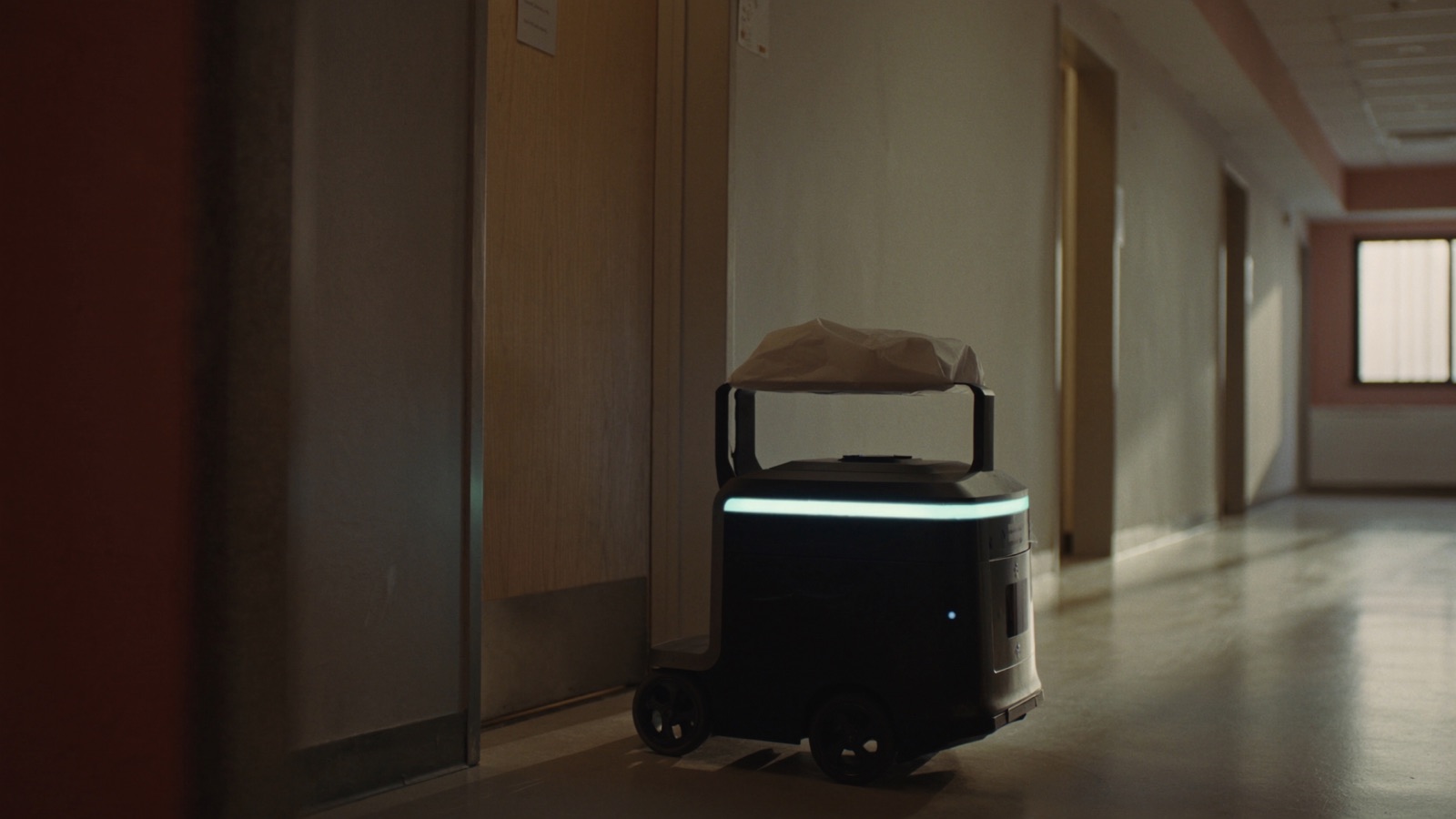
The standard advice is a 90-day pilot. Run the robot for 90 days, measure the results, decide.
The problem is what happens inside those 90 days. The first 4–6 weeks of a service robot deployment are categorically different from steady-state operation: staff are still learning the workflow, the robot's map is being refined, and management is spending more time on oversight than they will at steady state. If you're measuring KPIs across the full 90 days, you're averaging across two different operational realities.
A better structure: treat the ramp-up period explicitly, start your measurement clock only after ramp-up is complete, and run 60 days of clean measurement that produces a real decision.
This framework applies across all four primary service robot sectors — restaurants, hotels, retail, and senior care — with sector-specific checkpoints where the evaluation differs.
Before Day 1: Pre-Deployment Discipline
A pilot that fails to produce a clear decision almost always has a root cause in the pre-deployment period, not in the operation itself. Three things must be locked before the robot arrives.
Lock Your Baseline Metrics
You cannot prove a before-and-after improvement without a documented before. Spend 2–3 weeks before the robot arrives measuring the metrics you plan to evaluate, in the same conditions the robot will operate in.
Restaurant baseline metrics:
- Deliveries per shift (measured as plate runs from kitchen to table, by a specific person or role that the robot will partially replace)
- Staff labor hours allocated to food running and bussing per shift
- Average time from kitchen ready to table receipt for a sample of orders (use a stopwatch on 20 orders per shift)
- Intervention calls per shift (times staff have to assist with a delivery because the primary person is otherwise occupied)
Hotel baseline metrics:
- Amenity delivery requests per night by category (towels, toiletries, F&B items)
- Average time from guest request to delivery (front desk log)
- Staff labor hours spent on deliveries during target shift windows
- Number of incidents where a delivery was delayed more than 15 minutes
Retail baseline metrics:
- Staff labor hours spent on customer location assistance queries
- Stockroom-to-floor shuttle trips per shift (if deploying for logistics)
- Customer service complaints related to wait time for assistance
Senior care baseline metrics:
- Meal delivery time from kitchen completion to resident receipt (sample 10 deliveries per shift)
- CNA labor time allocated to supply runs and meal delivery vs. direct resident care
- Delivery incidents per week (wrong room, missed delivery, late delivery)
Run the baseline measurement continuously for at least 2 weeks. Capture weekdays and weekends separately — the traffic patterns are different, and weekend performance often diverges significantly from weekday in restaurant and retail.
Define Your Decision Gate in Writing
Before the robot arrives, write down the specific metric outcomes at day 60 that will produce a "yes, scale" vs. "no, don't proceed" decision. Both sides.
A useful format:
| Metric | Day-60 target (proceed) | Day-60 threshold (kill) |
|---|---|---|
| Deliveries per robot per shift | ≥ X | < Y |
| Staff labor hours per shift (robot + human combined) | ≤ X | > Y |
| Intervention rate | ≤ 8% | > 15% |
| Staff satisfaction score (anonymous, 1–5) | ≥ 3.5 | < 3.0 |
The middle zone (between threshold and target) is the "extend evaluation" zone — not a yes, not a no, but a structured continuation with a defined re-evaluation date. Having this document signed by the GM and Finance director before deployment removes the ambiguity that leads to indefinite extensions.
Infrastructure Pre-Check
The week before deployment, complete:
- Wifi signal audit of the deployment area. If you haven't already, have an IT contractor or the vendor's pre-deployment team walk the floor with a signal meter. Any zone below -70 dBm RSSI is a potential problem area for robot navigation. Remediate before day 1 if possible, or map it as a known constraint.
- Aisle width verification. Current-gen service robots require minimum 90 cm clear aisle width; 120 cm is the recommended operating width. Measure your narrowest points.
- Charging station placement. The charging station needs to be in a location that doesn't block a pathway, is accessible to the robot without navigating through a peak-traffic zone, and is close enough to a power outlet. Agree on placement before the robot arrives; renegotiating on day 1 causes delays.
- Elevator pre-check (hotel and senior care multi-floor only). If elevator integration is part of the deployment, confirm the integration is tested and commissioned before staff training begins. Don't start a pilot with a promised elevator integration "coming in week 3."
Days 1–21: Ramp-Up Period (Do Not Measure)
The first three weeks of a service robot deployment are operational noise. Accept this and plan for it.
What happens during ramp-up:
- Days 1–7: The robot is being calibrated. Maps are being refined. Staff are encountering the robot for the first time in production conditions (not the training demo). Throughput is 30–50% of expected steady-state.
- Days 8–14: Staff workflows are starting to adapt. Food runners learn how to load efficiently. Hotel staff learn to dispatch correctly. The robot's map stabilizes after the first round of obstacle-scenario encounters. Throughput rises to 50–70% of expected steady-state.
- Days 15–21: The remaining workflow adjustments settle. Staff who were initially resistant have either adapted or self-sorted to roles with less robot interaction. Throughput reaches 75–90% of steady-state.
Ramp-Up Checkpoints
On day 7, answer these three questions:
- Is the robot completing more than 50% of attempted deliveries without a staff intervention?
- Is there an active technical issue (map error, connectivity failure, hardware malfunction) that the vendor has been notified of and has committed to a resolution date?
- Have any staff members reported a safety concern?
If the answer to question 1 is "no" after day 14 (not just day 7), escalate with the vendor — this is below normal ramp-up performance and suggests a site-specific issue that needs diagnosis.
If the answer to question 3 is "yes" at any point, pause the deployment and investigate before continuing.
What to Track During Ramp-Up (But Not Count in Your Evaluation)
Keep an incident log throughout ramp-up, even though you're not measuring for the decision gate. Track:
- Each staff intervention: what caused it, how long it took, what staff member responded
- Each navigation error or timeout: where on the floor it occurred, what the robot did
- Each staff training session: who attended, what questions came up, what workflows were adjusted
This log is diagnostic data. It tells you what to solve before your measurement period begins. It also gives you early warning if the site has a fundamental incompatibility (a persistent dead zone the vendor acknowledged but didn't fully resolve, a staff member actively routing around the robot, a physical obstacle that keeps reappearing).
Days 22–51: Production Measurement (30 Days)
Starting on day 22, begin measuring against your baseline metrics. Run measurement for exactly 30 days. Capture data weekly so you can detect trends within the measurement period.
Weekly Measurement Protocol
Every shift where the robot operates:
- Log deliveries completed by robot (autonomous + assisted separately)
- Log total delivery volume (robot + staff combined)
- Log staff hours on delivery-related tasks
- Log interventions (reason code: blocked path / staff error / hardware pause / other)
Weekly:
- Calculate robot utilization rate: robot deliveries ÷ total deliveries × 100
- Calculate intervention rate: interventions ÷ robot deliveries × 100
- Calculate per-delivery robot labor cost: (weekly robot operating cost ÷ 52) ÷ robot deliveries
- Run a 5-question anonymous staff feedback survey (sample questions below)
Staff survey (5 questions, 1–5 rating scale):
- How confident are you in operating alongside the robot today, compared to day 1? (1 = less confident, 5 = much more confident)
- How much has the robot changed your workload? (1 = significantly increased, 3 = neutral, 5 = significantly reduced)
- How often does the robot cause a disruption to your work? (1 = constantly, 5 = almost never)
- How do guests respond to the robot in your observation? (1 = negatively, 3 = neutral, 5 = positively)
- Would you want this robot deployed long-term? (1 = no, 5 = yes)
Survey responses drop significantly after the first 2 weeks if staff feel their feedback isn't being acted on. Close the loop: in the week 3 and week 4 stand-up, share one specific change you made based on the previous week's feedback.
Sector-Specific Measurement Notes
Restaurants: Track deliveries by section (which tables does the robot serve most vs. least?) to identify underperforming routes. A robot that works well on the main floor and fails near the bar is a layout issue, not a product issue.
Hotels: Track deliveries by shift and by delivery type (F&B vs. amenity vs. housekeeping supply). If overnight amenity delivery is the use case, measure whether delivery response time has improved vs. the baseline — and track how often a "robot unavailable" exception requires staff substitution.
Retail: Track customer interactions initiated by the robot (customers who stop and ask the robot for help) separately from robot-initiated assistance. High customer initiation suggests the robot is being used as a wayfinding tool; low initiation suggests staff are routing customers around it.
Senior care: Track resident comfort incidents separately from operational metrics. If a resident expresses distress when the robot enters their room, that is a relevant outcome even if the delivery was completed successfully. The operational case cannot override the care environment.
Days 52–60: Gap Analysis and Decision Prep
The final 9 days of the evaluation are not for more measurement — they're for analysis and decision preparation.
The Four Questions
Run your 30-day measurement data against your pre-defined decision gate and answer four questions:
1. Are the KPIs at or above the "proceed" threshold, below the "kill" threshold, or in the middle?
If clearly above: document the case for proceeding. What does scaled deployment look like (number of units, additional sites, additional shifts)?
If clearly below: document the case for not proceeding. What was the primary failure mode? Was it utilization volume (the floor didn't generate enough delivery volume), infrastructure (wifi, elevator, layout), or operational integration (staff workflows never adapted)?
If in the middle: define the specific intervention that would move from middle to "proceed" and the timeline for testing it. Extend only with a named hypothesis and a specific re-evaluation date.
2. What did the incident log reveal about systematic issues vs. one-off events?
A deployment that had 3 incidents in week 1 and 0 incidents in weeks 3–4 is showing normal ramp-up behavior. A deployment with a consistent 2–3 incidents per shift across all 4 weeks has a pattern that won't resolve without intervention.
3. What does the staff sentiment trend show?
Week-over-week improvement in survey scores is the expected pattern. A deployment where scores plateau or decline after week 2 has an unresolved staff concern that needs surfacing before scaling. Ask directly in the week 4 stand-up: "What one change would make this robot work better for you?"
4. What would the same investment in additional labor or process change have produced?
This is the counterfactual question. If the $16k robot at 60-day steady state is producing 40 deliveries per shift, what would $16k invested in labor or workflow optimization have produced? This isn't a reason to kill the pilot — but it's the question that determines whether the robot is the right investment vs. other options in the category.
The Decision Document
Produce a one-page decision document covering: actual KPIs vs. thresholds, incident log summary, staff sentiment trend, go/no-go recommendation with reasoning, and next steps (scale parameters, vendor negotiation points, or exit plan). This document is the asset that either justifies the next phase or provides a clean record of what was tested and why it didn't proceed.
Common Evaluation Mistakes
Changing the floor layout mid-evaluation. If you rearrange tables, move the pickup station, or change the robot's assigned routes during the measurement period, your data is contaminated. Freeze the deployment configuration from day 22 through day 51.
Not separating ramp-up from production. The most common reason evaluations produce ambiguous results is that operators count all 90 (or 60) days in the measurement. Week 1 data will almost always underperform steady state. If it's in the dataset, it suppresses your measured performance below actual capability.
Letting the robot champion drive the survey. If the person who owns the pilot is also administering the staff survey, response bias is guaranteed. Use an anonymous channel (paper form collected in a box, or an anonymous digital form on staff devices) without the robot champion in the room during completion.
Not asking the vendor for a reference call. A vendor who has deployed in your sector and can connect you with a comparable operator for a 20-minute call is giving you real-world validation. A vendor who can only offer sanitized case studies is giving you marketing.
The next article covers SLAs and contract terms — the legal and commercial framework that determines what you can hold a vendor accountable for when things go wrong.