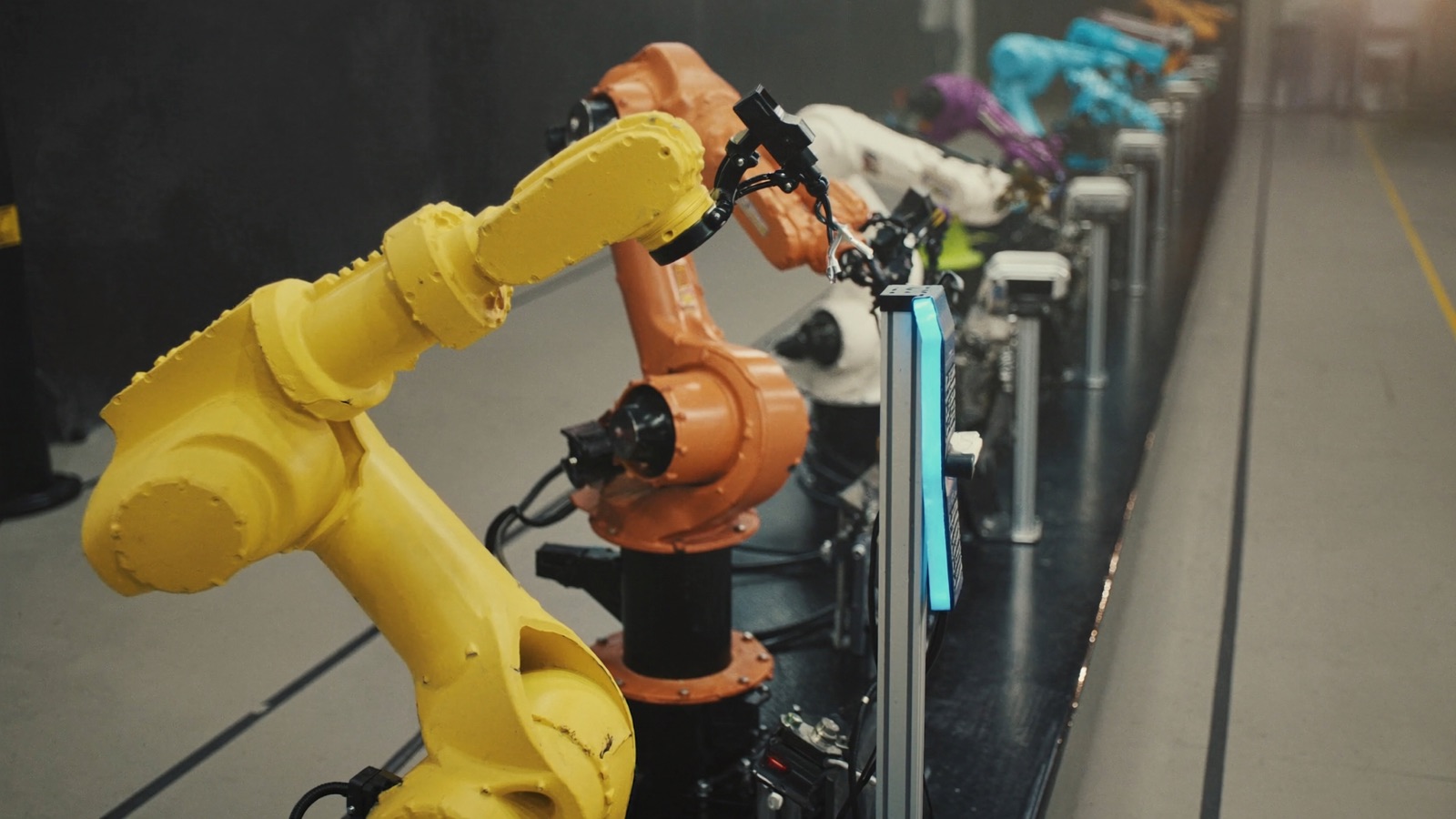
Payload, Reach, and Cycle Time — Choosing the Right Size Arm
Oversizing costs money. Undersizing costs production. Neither is obvious until the cell is running.

The specification sheet for a 6-axis industrial arm lists two numbers prominently: maximum payload and maximum reach. Both are accurate. Neither is particularly useful for selecting the right arm for a production application.
Maximum payload and maximum reach are defined at the arm's geometric limits — the worst-case configurations where the arm is most stressed. Actual production applications rarely operate at those limits, and the performance characteristics that matter — TCP speed, reachable cycle time at the work zone, repeatability under load — behave very differently in the middle of the work envelope than at its edges.
A plant engineer who selects an arm by finding one that clears the maximum payload and reach requirements, then uses the simulation to validate cycle time, is working in the right order. An engineer who selects by payload and reach alone, then discovers at commissioning that the arm can't hit takt at the programmed speeds, has a problem that can't be solved with software.
Payload: What the Number Actually Means
Rated payload on a 6-axis arm is the maximum load the wrist can handle at the defined speeds and with the wrist in the worst-case orientation — typically with the arm fully extended. The number includes the weight of the EOAT.
If an arm is rated at 20 kg payload and your EOAT weighs 6 kg, your usable part weight is 14 kg. If your heaviest part weighs 16 kg, that arm is underspecified — not because it can't lift the part, but because it will throttle speed to stay within joint-torque limits, and that speed reduction will cost you cycle time.
The relationship between load and speed is not linear. At 80% of rated payload, you typically retain 90–95% of rated speed. At 100% of rated payload, you may retain only 70–80% of rated speed depending on the arm geometry and the programmed path. At 110% of payload (which some integrators attempt to "make work"), the controller will either limit speed aggressively or fault out during production.
Practical rule: select for peak payload at 75–80% of the arm's rated capacity. The remaining headroom covers EOAT manufacturing variation, process variation in part weight (especially for castings and forgings), and future process changes.
Payload at Wrist vs. Payload at Process
There is a second payload consideration that spec sheets don't foreground: the moment load at the wrist — the torque generated by an off-center load.
A 10 kg part gripped 300 mm from the wrist center applies a different torque load than the same 10 kg part gripped 50 mm from the wrist center. Both are within a 10 kg rated payload, but only the second one is within the arm's rated moment. Exceeding moment ratings — which happens with EOAT designs that put the grip point far from the wrist flange — reduces speed, increases wear on wrist joints, and can invalidate the OEM's warranty.
EOAT designers who don't work closely with the robot OEM's payload/moment documentation frequently produce tooling that looks compliant on paper and causes joint wear in production. Check the moment diagram, not just the payload number.
Reach: Where in the Envelope You're Actually Working
The reach figure on a spec sheet is the maximum radius from the base the arm can touch with its wrist. That number defines the outer boundary of the work envelope. It says nothing about performance characteristics within the envelope.
A 6-axis arm at 1,800 mm reach, working a zone centered at 1,600 mm radius (89% of max reach), is working in the most mechanically disadvantaged configuration. Joints 1 and 2 carry the highest torque loads. Programmed speed may be limited. Repeatability degrades slightly at the extremes.
The same arm working a zone centered at 1,100 mm (61% of max reach) — even though it's a "smaller" arm in some sense — will move faster, repeat more accurately, and put less wear on the drivetrain.
The practical consequence: if your cell layout forces the arm to work near its reach limit, step up one arm size class so that the production work zone falls at 60–70% of the new arm's max reach. The cost delta between arm size classes is typically $8,000–$20,000. The production performance difference over a 7-year cell life is worth multiples of that.
Reach Envelope vs. Work Zone Geometry
Most 6-axis arm work zones are not spherical. A machine-tending cell typically has a defined entry point (the machine door), a defined pick point (the part chuck or fixture), and a defined drop point (a conveyor or pallet). These three points define the working triangle.
The arm needs to reach all three points — but more importantly, it needs to move between them on efficient paths. Long, sweeping reorientations between points eat cycle time. A work zone that's compact and centered in the arm's optimal reach band allows the shortest, fastest inter-point paths.
Laying out the work zone geometry in the arm's coordinate frame — not on a floor plan — before selecting the arm is the key discipline. An integrator's proposal that shows three work points on a top-down floor plan but hasn't modeled the inter-point paths in simulation is not telling you what you need to know.
Cycle Time: The Third Dimension of Selection
At a given payload and working radius, different arm models from different OEMs — or even different models from the same OEM — produce meaningfully different cycle times on identical paths.
The relevant specifications are:
- Maximum joint speed (deg/s) per axis — published in the data sheet, comparable between models
- Axis acceleration profile — rarely published in detail; requires either simulation or integrator experience with the specific model
- TCP speed — the achieved speed at the tool center point given the programmed path and joint limits; varies with path geometry
TCP speed is the number that drives cycle time. OEMs publish maximum TCP speed, but maximum TCP speed on a straight-line path is not the same as average TCP speed on a production path with corners, reorientations, and approach/depart moves. The ratio of maximum to average TCP speed on a realistic production path is typically 0.45–0.65.
A 6-axis arm rated at 2,000 mm/s TCP will average 900–1,300 mm/s on a typical machine-tending path. That range corresponds to a 40% cycle-time spread — which is the difference between hitting takt and missing it on a 15-second requirement.
Simulating Cycle Time Correctly
The only reliable way to evaluate cycle time for a specific application before purchasing is to program the actual production path in the OEM's simulation environment and measure the modeled cycle time — with the caveats from Article 1 about EOAT and I/O timing.
Most OEMs will perform this simulation for a qualified sales opportunity at no charge. FANUC has Roboguide; ABB has RobotStudio; KUKA has KUKA.Sim; Yaskawa has MotoSim. These are accurate simulations of their own kinematics.
For multi-vendor evaluation, RoboDK is a third-party platform that models multiple OEM arms on the same path. Accuracy is slightly lower than OEM tools (typically within 5–10% vs. OEM tools' 2–3%), but it allows apples-to-apples comparison of three or four candidate arms on the same programmed path without having to set up four OEM simulation environments.
Repeatability: What It Means in Production, Not on a Spec Sheet
Repeatability on a data sheet is the arm's ability to return to the same programmed point from the same direction, at the same speed, at temperature. ±0.02 mm is a commonly quoted spec for mid-range industrial arms.
This spec is accurate for the narrow condition it describes. It does not describe:
- Accuracy — how close the arm gets to a commanded absolute position (typically ±0.5–1.5 mm for mid-range arms)
- Path repeatability — variation on a continuous-path move (welding, dispensing, cutting)
- Thermal drift — position variation as the arm warms up over the first 30–60 minutes of operation
- Long-term repeatability — performance after 3–5 years of wear on joint bearings
For pick-and-place applications where parts are fixtured and the robot is learning a fixed point, ±0.02 mm repeatability is more than adequate and any mid-range arm will do. For applications requiring accurate path following — welding seams, gasket dispensing, laser cutting — the path repeatability spec (usually ±0.05–0.1 mm on a straight line) is what matters, and not all arms within the same payload class perform equally.
A Decision Framework for Arm Selection
The selection sequence that produces reliable results:
Step 1 — Define the work zone geometry. Three to six key TCP positions in the cell, mapped relative to the arm base mount, with the proposed mounting position shown in the floor layout.
Step 2 — Calculate required payload with margin. EOAT weight (estimated or actual) + maximum part weight × 1.25 = minimum rated payload. Apply the moment load check against the EOAT geometry.
Step 3 — Identify candidate arms. From each shortlisted OEM, select the arm where the work zone center falls at 60–75% of max reach. If the work zone center falls above 80%, step up one size class.
Step 4 — Simulate the production path. Use OEM simulation for the primary candidate; use RoboDK for multi-vendor comparison. Simulate with realistic joint acceleration profiles, not maximum-speed assumptions.
Step 5 — Validate against takt with margin. Simulated cycle time should be 10–15% below required takt, before EOAT actuation and I/O handshake times are added in. If simulated motion time already fills the takt window, the cell will miss targets in production.
Step 6 — Evaluate total installed cost, not arm price. A smaller arm that requires a different integrator approach or additional fixturing can cost more at the cell level than a larger arm on a simpler integration. Run the TCO calculation (Article 2) before finalizing the hardware selection.
The Stäubli Factor: When Cycle Time Matters More Than Price
Most selection discussions center on the Big Four OEMs — FANUC, ABB, KUKA, Yaskawa — which collectively account for roughly 60–65% of global industrial robot installations. Stäubli, a Swiss OEM significantly smaller by volume, is worth examining for a specific class of application.
Stäubli arms are consistently faster at comparable payload than most Big Four equivalents, particularly at the 6–15 kg payload range used for precision assembly, electronics handling, and pharmaceutical pick-and-place. The TX2-60 and TX2-90 models are routinely benchmarked 15–25% faster than ABB, FANUC, and Yaskawa competitors at similar reach. The premium is real — Stäubli hardware typically runs 20–35% above comparable Big Four configurations — and the support network is thinner outside Western Europe.
For clean-room and pharmaceutical applications where the arm must operate in Class 7 or Class 5 environments, Stäubli is the dominant choice: their HE (humid environment) and CS (clean room) variants are IP69K rated and designed for the autoclave-cleanable wash-down requirements that other OEMs' standard arms can't meet.
For general manufacturing, the Big Four are the rational choice. For applications where cycle time is the binding constraint and every 5% matters — high-volume consumer electronics assembly, medical device production, semiconductor handling — Stäubli's performance premium often justifies its cost premium.
Next: Safety zones, scanners, and fencing: the integration cost most buyers underestimate →
Discussion
0 commentsNo comments yet. Sign in to be the first.