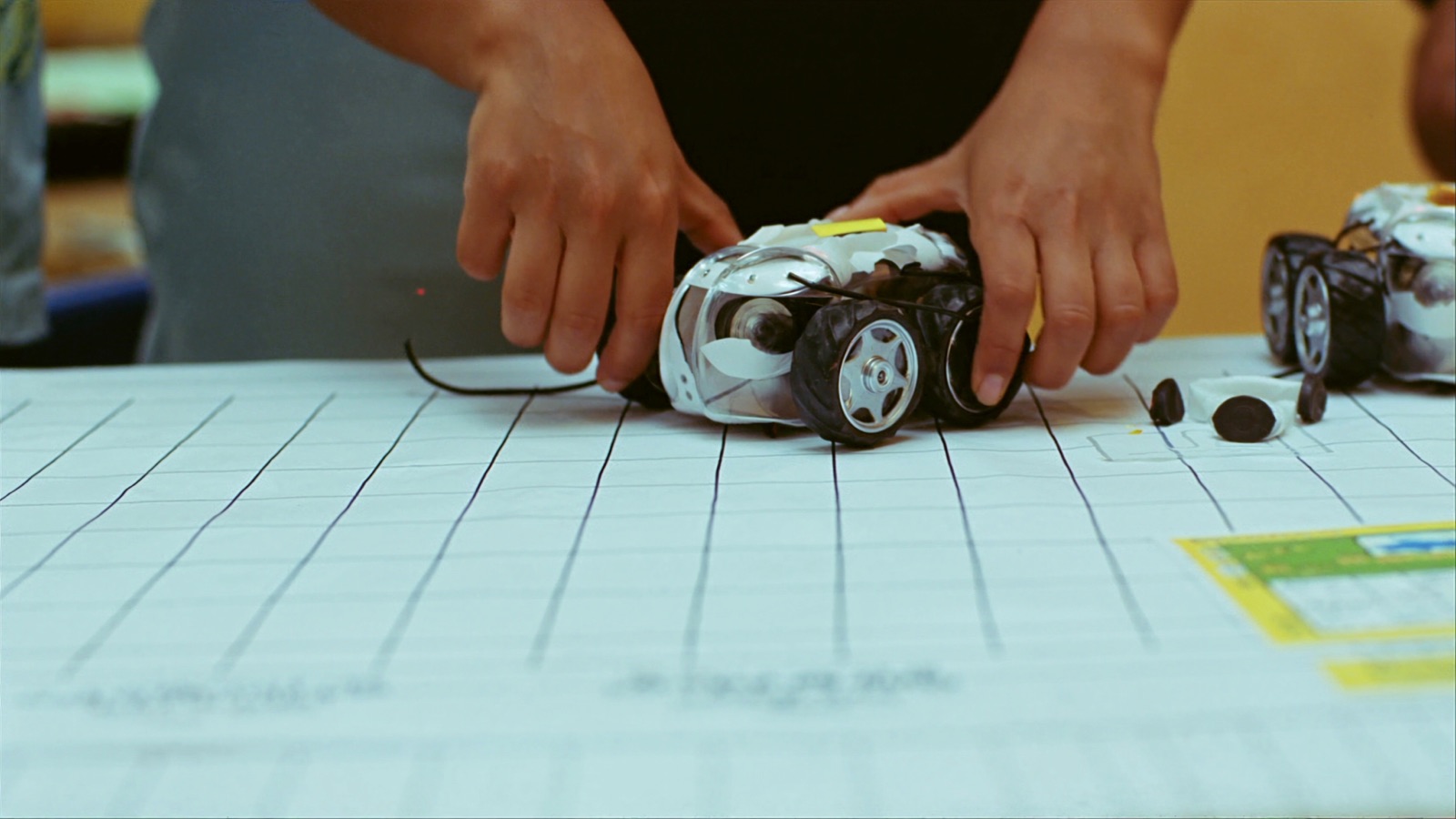
Decision Framework: Matching Robots to Grade Band and Learning Goals
Screen-free to ROS — a structured approach to choosing the right platform for where your students are.
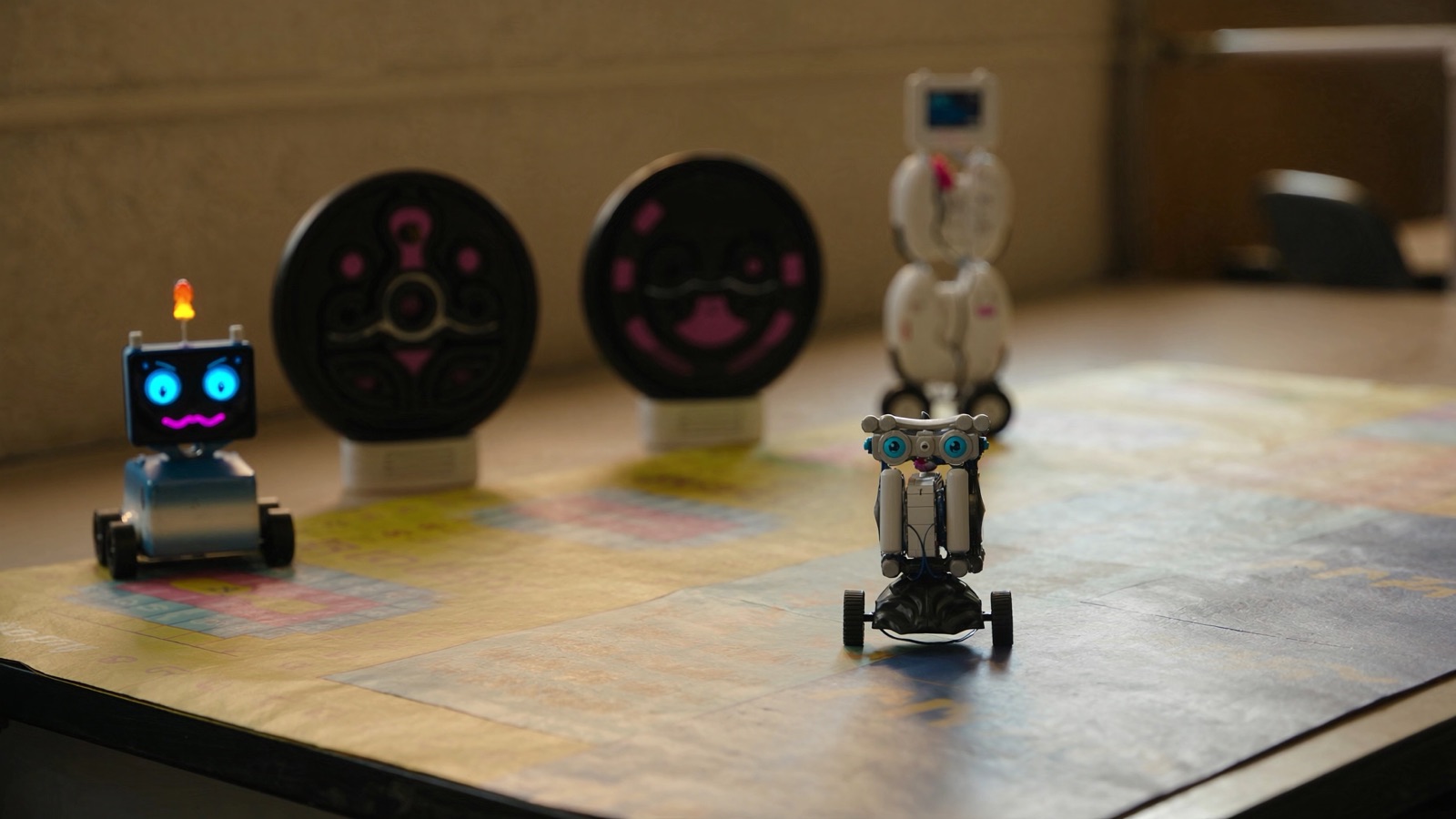
The single most common platform mismatch in classroom robotics is not hardware failure — it is grade-band mismatch. A block-coding robot designed for elementary pair-share activities lands in a high school intro-programming class. A Python-based platform arrives in a fourth-grade classroom where students have not yet encountered variables. A screen-free sequencing robot gets purchased for a middle school makerspace where the curriculum goal is loops and conditionals.
These mismatches are not the result of bad intent. They usually reflect the vendor's marketing (which targets the largest market segment, not the right segment), the purchasing process (which evaluates hardware specifications more than pedagogical fit), and the tendency to evaluate platforms in isolation rather than against a defined learning progression.
This article provides a structured decision framework for matching robot platforms to grade band and learning objective. It is descriptive, not prescriptive — the goal is to equip you with the right questions and criteria, not to tell you which specific platform to buy.
The Core Decision Dimensions
Platform selection for education robotics should be evaluated on four dimensions before hardware, price, or brand enters the conversation.
1. Abstraction level. At what level of abstraction does the platform operate? Screen-free physical sequencing (earliest) → icon-based app control (early elementary) → drag-and-drop block coding (elementary/middle) → text-based coding with a scaffold (middle/high) → general-purpose text language (high school) → robotics middleware (university). Choosing a platform one or two levels above where your students are produces frustration. Choosing one level below produces boredom.
2. Coding environment. Is the coding environment standalone (the robot's own physical interface), app-based on a companion device, browser-based, or a full IDE? App-based environments introduce device management complexity and app update dependencies. Browser-based environments require reliable Wi-Fi. Standalone environments are simpler to manage but constrain the depth of programming possible.
3. Curriculum integration model. Does the platform integrate with your existing curriculum framework (NGSS, CSTA K-12 CS Framework, IB, etc.), or does it operate as a standalone enrichment activity? Enrichment-only platforms can deliver value, but they are more vulnerable to the closet outcome described in Article 1 because they compete for discretionary instructional time without a formal curriculum home.
4. Longevity signals. Is the vendor actively maintaining the software, issuing curriculum updates, and supporting the hardware with spare parts? This is a forward-looking question that matters more the longer you plan to run the program. See Article 6 in this series for the full vendor evaluation checklist.
Grade-Band Guide
Early Years (Pre-K through Grade 2)
Primary learning objectives at this level: sequencing, cause-and-effect, directionality, early computational thinking without abstract notation.
What works: Screen-free, physical programming interfaces. At this age, the distinction between "the robot and the screen" matters developmentally. A screen-free robot uses physical tokens, buttons, or arrow tiles that a child arranges and then executes. The programming action is concrete and tactile; there is no abstraction layer.
What to avoid: Any platform that requires a companion app on a tablet or phone as the primary control interface. Young learners benefit from direct physical manipulation; the screen layer adds cognitive overhead and introduces device management issues that are disproportionate to the instructional value.
Platform characteristics to look for: Durable construction (will be dropped on hard floors by small hands), simple charging (USB or AA batteries), no small parts that can be lost, color-coded activity sets, and a curriculum that is physically printed rather than accessed via device.
Typical group configuration: One robot per 2–4 students, with a classroom set of 6–8 units for a class of 24 sufficient.
Grade-band note: Several platforms designed for early years work well through Grade 2 and become less engaging in Grade 3, when students are developmentally ready for more abstract representation. Plan for platform transition at this juncture rather than trying to stretch a screen-free platform into grades where it no longer fits.
Elementary (Grades 3–5)
Primary learning objectives: sequences, loops, conditionals, events, functions. Alignment to CSTA Level 1 (Grades K-2 + 3-5) and NGSS engineering practices (define, design, test, improve).
What works: Block-based coding environments (often called drag-and-drop or visual coding), delivered via a companion app or browser-based editor. Block coding — where programming constructs are represented as interlocking visual blocks — removes the syntax barrier that stops most young learners from engaging with text-based code. Students focus on logic and sequence rather than typing accuracy.
Key distinction: app-based vs. browser-based. App-based platforms (connecting via Bluetooth to a dedicated iOS/Android app) are more common at this level and typically offer richer visual environments. Browser-based platforms (connecting via USB or Wi-Fi to a web editor like Scratch or a vendor's custom environment) avoid app installation and update cycles, which can be a significant IT simplification. Verify that your existing device fleet (Chromebooks, iPads, mixed Android) supports the specific platform's app before purchasing.
Platform characteristics to look for at this level:
- Bluetooth and/or USB connectivity (not solely dependent on school Wi-Fi)
- Physical sensors (light, color, distance, touch) that make code-to-world feedback concrete
- Activity library matched to CSTA Level 1 standards with teacher guides
- Spare parts availability and repairability (elementary classrooms are hard on hardware)
Platforms with catalog entries on Robolist that operate in this band include: Sphero BOLT+ (/robots/bolt-1), Makeblock Codey Rocky (/robots/codey-rocky), and UBTECH Alpha Ebot (/robots/alpha-ebot). These are representative examples; the field includes many platforms not listed here. Evaluate any platform against the criteria above rather than brand recognition.
Group configuration: Pair-share (2 students per robot) is standard and produces better learning outcomes than 1:1 at this age because it drives discussion about programming decisions. A class set of 12–15 units for a 24–30 student class at pair-share is typical.
Middle School (Grades 6–8)
Primary learning objectives: variables, functions, loops with conditions, event-driven programming, basic sensor integration, introduction to physical computing concepts.
What works: Block coding with increasing complexity, or the transition to text-based coding via a scaffold (such as MicroPython in a block environment, or Python with heavy template scaffolding). The defining feature of middle school is the readiness to abstract: students can handle variables and functions conceptually when introduced with concrete robot-based feedback.
The block-to-text transition. Many platforms designed for this band offer a "hybrid" environment where students can view their block code as equivalent Python or JavaScript. This side-by-side view is pedagogically valuable — it demystifies text-based code by anchoring it to concepts students already understand. Look for this feature specifically when evaluating middle-school platforms.
Expansion of platform complexity: At this level, platforms with multiple sensors, camera vision, or basic computer vision capabilities become appropriate. Students can begin to understand sensor input → decision logic → motor output as an engineering system, not just a sequence of instructions.
Platform characteristics to look for:
- Block-to-text hybrid coding environment
- Multiple sensor types (distance, color, gyro, camera optional)
- Curriculum that explicitly addresses variables, loops, and conditionals
- Project-based activities where students design and build, not just follow steps
Transition platforms to consider: Some construction-based platforms (modular robotics systems with discrete motors, sensors, and controllers) are designed specifically for this transition band, allowing students to build custom robot configurations and program them at increasing levels of complexity.
High School (Grades 9–12)
Primary learning objectives: text-based programming in a general-purpose language, data collection and analysis, basic kinematics, systems thinking, introduction to autonomous behavior.
What works: Python-first platforms, or platforms that support Python alongside a visual environment. Python has become the de facto introductory language for robotics programming at this level: it is widely taught in CS courses, has strong library support for sensor data analysis, and is the language most students will encounter in post-secondary robotics or CS programs.
Platform categories at this level diverge significantly:
Coding and STEM platforms (Python-ready): These are platforms that primarily serve as programming vehicles — the robot as a substrate for learning Python, control logic, and sensor integration. Hardware complexity is moderate; the learning emphasis is on code.
STEM arm platforms (tabletop manipulation): Tabletop robotic arms at the high-school level — such as Wlkata Mirobot or similar 6-axis educational platforms (/robots/automobile-assembly-cell-mirobot) — introduce students to industrial robotics concepts: coordinate systems, joint control, end-effector logic, path planning. These are higher-cost hardware investments but map directly to vocational and technical education (CTE) pathways and are increasingly relevant in regions with manufacturing workforce development goals.
Drone and aerial platforms: CoDrone EDU (/robots/codrone-edu) and similar programmable drone platforms are used in high-school CS and physics courses, offering an aerial context for the same fundamental programming concepts.
Curriculum integration: At the high-school level, robotics programs are most successful when they are integrated into an existing CS or CTE course rather than operating as a standalone activity. Standalone robotics is a resource, not a curriculum. Build the platform into a semester-long course with a defined progression from Hello World to autonomous challenge.
Note on competition programs: FIRST Robotics (FRC for high school, FTC for middle/high) is a significant pathway program that many districts support. Competition platforms have different evaluation criteria than classroom platforms — FIRST-legal components, build season timeline, team structure, and adult mentor commitment are all factors. This article addresses classroom programs; competition programs warrant a separate evaluation process.
University Introduction Level (Intro Robotics, First-Year Engineering)
Primary learning objectives: Robot Operating System (ROS) fundamentals, SLAM (Simultaneous Localization and Mapping), sensor fusion, basic navigation stacks, Python and C++ in robotics contexts.
What works: ROS-compatible mobile platforms or research-grade educational robots that expose students to the actual software stack used in commercial robotics development. The defining feature of university-intro robotics is the shift from "programming the robot" to "understanding the system."
ROS (Robot Operating System) is the de facto middleware for robotics research and advanced development. A university program that does not introduce ROS is producing graduates who lack a fundamental vocabulary for professional robotics work. At the intro level, students need a platform that either runs ROS natively or provides a simulated ROS environment that maps to the physical robot's behavior.
Platform considerations:
- Does the platform run ROS 2 natively, or provide a ROS bridge? (ROS 2 is the active development track; ROS 1 is in maintenance mode.)
- Is the platform supported by a simulation environment (Gazebo, Webots, Isaac Sim)? Simulation access is critical for assignments that students can complete outside of lab hours.
- Is the hardware modular enough to support student modification and expansion? University intro courses often include custom sensor integration as a lab component.
Platforms like UBTECH AELOS (/robots/aelos), AgiBot D1 Edu (/robots/agibot-d1-edu), and Booster Robotics K1 (/robots/booster-robotics-k1-humanoid-robot) serve as higher-complexity platforms that may be appropriate for advanced undergraduate or graduate intro contexts where humanoid kinematics and bipedal locomotion are part of the curriculum. These are significantly more expensive than classroom platforms; their appropriate deployment is as shared lab equipment, not class sets.
App-Based vs. Standalone: A Practical Comparison
| Dimension | App-based (requires companion device) | Standalone (self-contained UI or USB only) |
|---|---|---|
| Device compatibility risk | High — app updates can break compatibility | Low — no dependency on external device |
| Instructional richness | High — full visual environment, media, tutorials | Moderate — limited by onboard display/buttons |
| Device management burden | High — IT must manage app deployment and updates | Low |
| Offline operation | Partial — Bluetooth works, but app may require connection | Full |
| Best for | Schools with managed device fleets and reliable IT support | Schools with constrained IT resources or mixed device environments |
A One-Page Decision Checklist
Before finalizing a platform selection, confirm:
- We have defined which specific standards (NGSS, CSTA, state CS) this platform will serve
- The platform's abstraction level matches our target grade band
- We have tested the platform's coding environment on the specific device model we will use
- Curriculum is available that matches our scope-and-sequence, not just a getting-started guide
- We have confirmed the vendor's PD support model (see Article 2 for cost planning)
- We have reviewed spare part availability and field repairability
- We have reviewed the vendor's software and account longevity (see Article 6 for RFP questions)
- We have confirmed COPPA/FERPA compliance for student data (see Article 6)
For a step-by-step guide to piloting your chosen platform — teacher training, one-classroom pilot, scope-and-sequence alignment, and measurement checkpoints — see A 90-Day Classroom Robotics Rollout Playbook.
Discussion
0 commentsNo comments yet. Sign in to be the first.