AMR Pilot in an Existing Warehouse: The 90-Day Playbook
How to run a first AMR deployment without gambling your peak season or your WMS on a vendor promise.

The fastest warehouse AMR deployments go live in two to four weeks. That's genuine — collaborative AMRs can map a floor, integrate with WMS at a basic level, and run productive picks in under a month if the infrastructure is ready and the scope is limited.
The problem is that "ready infrastructure" and "limited scope" are not the default state of most existing distribution centers. The facilities where AMR pilots fail most often are not technology failures — they're scoping failures. The pilot tried to do too much, in too many zones, with too little baseline data, at a time of year when the DC couldn't absorb disruption.
This is the playbook that avoids those failure modes. It's based on how the most successful first-deployment operators have approached the problem — and what the failed ones skipped.
Before Day 1: The Pre-Launch Audit (Weeks -4 to -1)
Don't sign the contract until you've completed this audit. Vendors will push to get the signature and "figure out the details in implementation." Resist.
Scope definition
Define the pilot zone before anything else. A 90-day pilot works best in a contained area — one pick zone, one product category, or one shift in one department. The smaller and more constrained, the cleaner your data.
If your facility is 400,000 sq ft, the pilot zone should be 50,000–100,000 sq ft at most. If you try to cover the full facility in a first pilot, you won't have clean data, and you'll introduce so many variables that you can't diagnose problems when they arise.
Document the zone boundary in writing. The vendor's implementation team and your operations team should be able to point to it on a floor plan.
Infrastructure checklist
| Item | Who completes it | When |
|---|---|---|
| Wifi heat map of pilot zone | IT contractor | Week -4 to -3 |
| Aisle width measurement in zone | Facilities team | Week -4 |
| Electrical capacity check for charging stations | Electrician | Week -4 |
| WMS integration scoping call with vendor | IT + vendor together | Week -3 |
| Baseline data pull: picks/hour, labor hours, error rate | WMS report | Week -3 to -2 |
| Floor cleanliness audit (debris, damaged racking) | Facilities | Week -2 |
| Staff notification and initial briefing | Operations manager | Week -2 |
None of these take more than a day each. All of them are cheaper to resolve before the robots arrive than after.
KPI definition and baseline measurement
This step is non-negotiable. Define three to five quantifiable KPIs before deployment. Measure them for at least two full weeks on the manual process before the robot arrives.
Useful AMR pilot KPIs:
| KPI | How to measure | Baseline period |
|---|---|---|
| Picks per labor hour in zone | WMS pick data ÷ labor hours from timekeeping | 2 weeks pre-deployment |
| Error rate (mis-picks, short picks) | WMS exception log | 2 weeks pre-deployment |
| Average order cycle time (order release to pick complete) | WMS timestamp data | 2 weeks pre-deployment |
| Labor hours per shift in pilot zone | Timekeeping system | 2 weeks pre-deployment |
| Overtime rate | Payroll data | 4 weeks pre-deployment |
Write the baseline numbers down. Put them in the same document as your KPI definitions. Have the GM and the Finance director sign it. "Three KPIs in writing, signed by two decision-makers" is the contract that makes day 90 an honest evaluation rather than a negotiation.
Kill criteria
Define in the same document: what outcome at day 90 means the pilot does not proceed to phase 2? Something specific:
"If picks per labor hour in the pilot zone have not increased by at least 15% compared to the pre-deployment baseline, we will not exercise the option to expand the fleet."
Vendors are skilled at making the case for extension when results are marginal. Written kill criteria short-circuit that conversation. If the number isn't there, the decision is already made.
Days 1–30: Installation and Learn Mode
Week 1 — Physical installation
Robot delivery and charging station installation. Fleet management software configuration. This is the vendor's week — your job is to keep the zone accessible and ensure the electrician is available.
Common delays at this stage:
- Electrical permits. In some jurisdictions, adding circuits for charging stations requires permits and inspection. Lead time can be 1–3 weeks. Handle this in Week -3, not Week 1.
- Wifi remediation. If the pre-launch audit found dead zones, the remediation access point installation happens now. If you're discovering dead zones for the first time during installation, the timeline slips 2–4 weeks.
Week 2 — Map learning and route validation
The robots map the facility by driving it. This takes 1–3 days for a typical pilot zone. After mapping, the fleet management team runs validation routes to confirm navigation accuracy, obstacle avoidance behavior, and pick point registration.
During this phase: do not rearrange the floor. Every racking move, every pallet relocated, every added fixture is a re-mapping event. Freeze the pilot zone layout for the duration of the 90-day pilot. Communicate this to the floor team as a hard rule.
Week 3 — WMS integration testing
This is frequently the longest and most problematic phase. The WMS sends pick orders to the fleet management system; the fleet manager returns task completions and inventory signals. Testing should cover:
- Normal pick cycle: order received, robot assigned, pick confirmed, task closed
- Exception handling: item not found, pick station error, robot out of bounds
- Shift changeover: fleet behavior at end-of-shift, robot parking, task queue flush
- Surge handling: 200% of normal order volume in a 30-minute window
If integration testing reveals problems at Week 3, you have time to fix them before the full team is on the floor. If you discover integration problems at Week 6 with 15 robots running live picks, the cost and disruption are an order of magnitude higher.
Week 4 — Staff training and soft launch
All staff in the pilot zone — not just the pickers who will work alongside robots, but the forklift operators who share aisles, the receiving staff who unload near the pick zone, the supervisors — receive hands-on training before the robots go live at full volume.
The training session should cover:
- What the robot does when it encounters a person in its path (it slows and navigates around them; it does not stop indefinitely)
- What to do when a robot appears stuck (where the robot fleet terminal is; who to call)
- What not to do — don't push the robot, don't block charge stations, don't stand in the designated travel lanes during peak
Run the training as a hands-on demo, not a slideshow. Staff who have physically interacted with the robot before day one are significantly less likely to exhibit the avoidance behavior that erodes pilot data.
Soft launch: go live with 50% of the planned robot count for the first week. This gives the operations team time to identify edge cases before the full fleet is deployed, and it gives the WMS integration team time to observe real task data before full volume.
Days 31–60: Calibration and Data Collection
Weeks 5–6 — Full fleet deployment
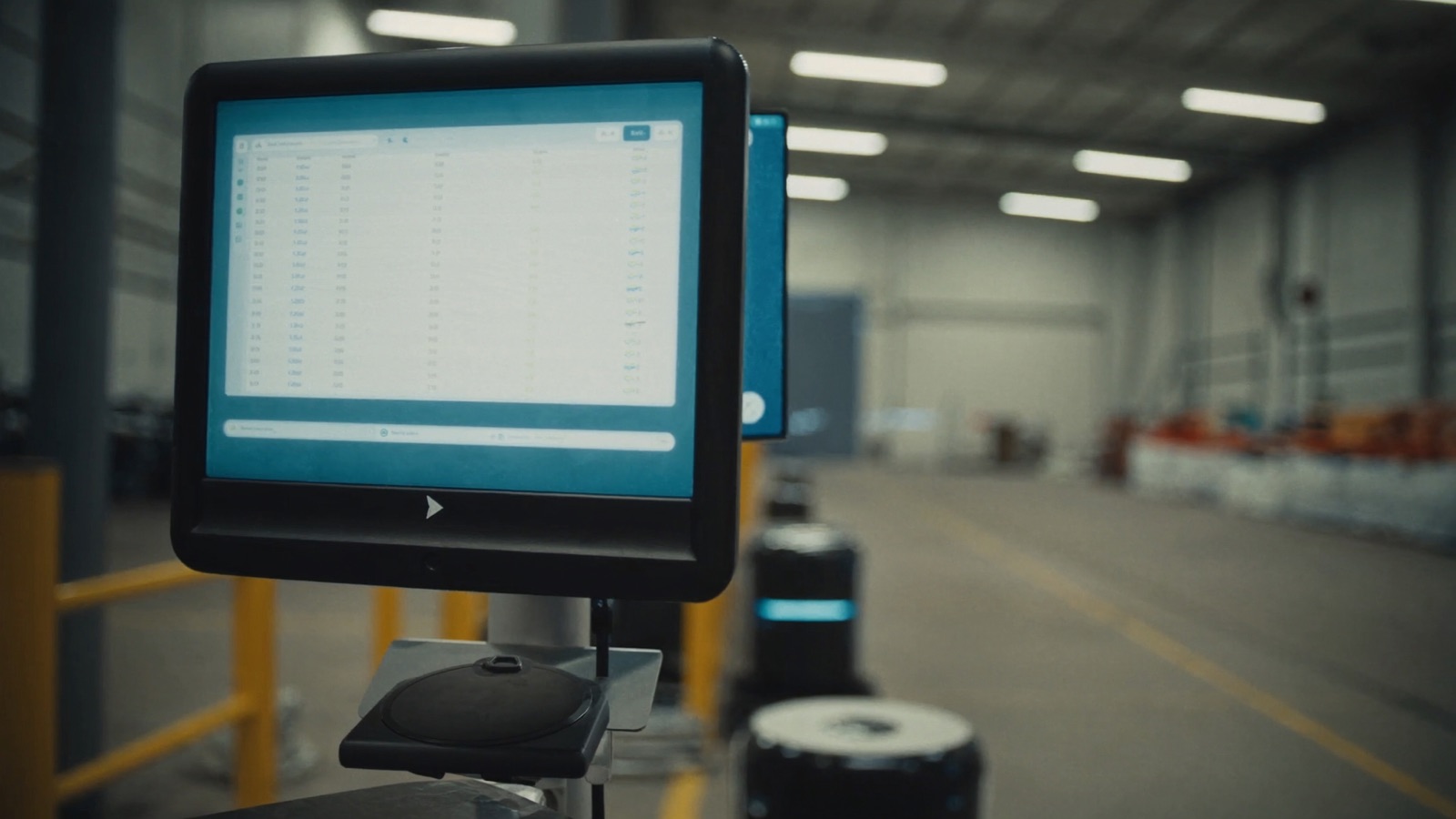
Bring the remaining robots online. Monitor the three KPIs daily. The fleet management dashboard should be checked by the pilot owner (one named person, not a committee) every morning and flagged exceptions should be addressed within 24 hours.
Common issues at this stage and what they usually signal:
| Symptom | Likely cause | Action |
|---|---|---|
| Pick rate lower than simulation predicted | Congestion in pilot zone, or pick station bottleneck | Check robot queue depth at workstations; add a station if queue > 2 |
| High frequency of "item not found" exceptions | Slotting mismatch between WMS location and physical location | Audit top 20 SKUs with exceptions; check if slot moves happened after map was frozen |
| Robots making long detours | Obstacles not in the map (new fixtures, relocated racking) | Update map; reinforce the freeze-the-zone rule with floor staff |
| Charging events longer than expected | Battery degradation (unlikely at week 5–6) or overloading of single charging zone | Check charging event logs; redistribute if centralized charging is the pattern |
Weeks 7–8 — Staff sentiment survey
Run an anonymous survey of the order selectors, forklift operators, and receiving staff working in or near the pilot zone. Ask:
- Does the robot make your job easier, harder, or neither?
- Have you ever routed your work around the robot rather than working with it?
- What's the single biggest frustration with the robot on the floor?
This is not an NPS survey. You're looking for operational friction that doesn't show up in pick data — the subtle workarounds that erode your KPI numbers without appearing as explicit failures.
The question "have you ever routed your work around the robot?" is the most important one. If more than 30% of staff answer "yes" to a question asking whether they bypass the robot when they could use it, your pick count data is misleading — you're measuring a partially-used robot, not a fully-integrated one.
Days 61–90: Evaluation and the Scale-or-Stop Decision
Week 9 — Mid-final review
Pull the KPI data against the baseline. By week 9, you have enough data to know directionally whether you're going to hit your kill criteria at day 90. If you're tracking clearly above kill criteria, document it and start preparing the phase 2 scope. If you're clearly below, identify which root cause is most addressable in the remaining 30 days.
Do not extend the pilot beyond 90 days unless:
- The root cause of underperformance is clearly identified
- A specific fix has been implemented (not planned — implemented)
- You have a written agreement on what performance level is required for phase 2
"We just need more time" is not a criterion. It is the beginning of a pilot that never produces a decision.
Week 12 — Decision day
The pilot owner presents the KPI data to the GM and Finance director who signed the baseline document. Three questions:
- Did we exceed the kill criteria threshold? Yes or no.
- If yes, what is the phase 2 scope and timeline?
- If no, what is the formal decision? Scale down, switch vendor, or exit?
The kill criteria document you wrote in week -4 makes this conversation mechanical rather than political. The data either supports expansion or it doesn't. Vendors are very good at making the marginal case for continuation — the kill criteria are the only defense against that pressure.
Common Pilot Failure Modes and How to Avoid Them
Launching during peak season. If you're a general merchandise 3PL, warehouse peak is October–December. AMR deployment in that window means you're introducing a new system, new staff behaviors, and WMS integration changes during your highest-stakes operating period. Q1 and Q2 are when successful first deployments happen.
Launching in all zones simultaneously. The temptation to maximize ROI by deploying everywhere at once means you have no clean zone to diagnose problems. If picks per hour drops in week 4, is it the robots, the WMS integration, the staff behavior, or the slotting? In a full-facility deployment, you can't isolate variables. In a single-zone pilot, you can.
Skipping the staff training session. The cost of a 45-minute mandatory training session for every staff member in the zone is trivial. The cost of discovering at week 8 that 35% of your pickers are routing around the robots is an invalidated 60 days of data.
Letting the vendor run the pilot review. At day 90, the vendor presents the data. This is a conflict of interest — vendors have selection bias in what they present and motivation to show results that support expansion. The pilot owner should run their own independent analysis from raw WMS data, comparing directly against the baseline document. The vendor's analysis is a secondary input, not the primary one.
Not defining phase 2 before phase 1 ends. If phase 1 succeeds and you have no phase 2 scope ready, the momentum dies. Operations teams move on, vendors move their implementation resources to other projects, and the robot deployment stalls at 20 units when the business case supported 50. Define phase 2 criteria in week 9 so that a successful phase 1 can transition immediately.
Continue reading: AMR Vendor Selection: Orchestration, Integration, and Scaling — how to evaluate vendors beyond the demo, with the questions that reveal whether their platform will scale with your operation.
Discussion
0 commentsNo comments yet. Sign in to be the first.