The construction robot vendor RFP: questions and red flags
What to ask before signing — and which answers should make you walk away
The procurement that looks like a technology contract but isn't
A construction robot contract is not a software subscription and not a standard equipment purchase. It is an operational commitment that includes a physical machine, an operator-training obligation, a support relationship, a data integration dependency, and a liability surface that extends to your active jobsite.
Most contractors approach the evaluation as a technology procurement — they evaluate features, get a demo, and compare pricing. The result is often a contract that performs exactly as described under optimal conditions and fails the moment conditions shift to resemble an actual construction project.
This RFP framework approaches the evaluation from the operational end: what does the deployment actually look like on site, and does the vendor's program support that deployment reliably across your project calendar?
Organize the evaluation into six areas.
Area 1: Commercial and contract structure
RaaS terms
If evaluating a RaaS (Robotics-as-a-Service) model, the contract language determines whether RaaS is flexible deployment or a minimum-commitment trap.
Questions to ask:
- What is the minimum commitment — per project, per year, or per square footage / unit of work?
- What happens if a project is cancelled or significantly descoped after the robot is mobilized? Who bears the cost?
- How is pricing structured — flat rate per deployment, per unit of work completed, or per machine-hour? Which is most advantageous at your typical project scale?
- Is the pricing rate fixed for the contract term, or subject to escalation? At what rate?
- What are the termination provisions? Can you exit if the machine isn't performing at specification?
Red flags:
- Annual minimum utilization commitments that exceed your realistic project calendar (common in early-stage vendors who need guaranteed revenue to fund operations)
- Pricing quoted per "robot-hour" inclusive of idle time (you pay for downtime)
- No termination for cause provisions — if the machine fails consistently, you have no exit
- Automatic renewal with price escalation at renewal
Capex / ownership terms
If purchasing or leasing:
Questions to ask:
- What is the warranty coverage — duration, what is covered, and what voids coverage?
- What is the vendor's obligation if a critical component is discontinued or unavailable? (Relevant for early-stage vendors.)
- What does the software license cover — is the fleet management and model-import software included, or separately priced? What happens to the software if you don't renew the support contract?
- What is the current resale market? (Indicates product maturity and demand beyond the vendor's own marketing.)
Red flags:
- Software licenses that expire independently of hardware ownership, effectively making the machine inoperable without ongoing software subscription
- No documented resale precedent (the machine has no market outside the vendor)
- Hardware warranty that excludes "field use" conditions — meaning the warranty is designed for a controlled environment, not a construction site
Area 2: On-site support and response
The support model is where most robot deployments reveal their real operating cost.
Questions to ask:
- What is the vendor's on-site support response time for critical failures — hours? Days? Do you have a named regional support contact, or is this a call-center routing model?
- How many service-certified technicians are within [your geography]? Provide names and contact information.
- What is the mean time to repair for the most common failure modes? Ask for historical data, not a spec sheet estimate.
- Is on-site support included in the contract, or billable at day rates? What are the day rates and travel cost terms?
- Is there a spare machine available in your region if the deployed unit goes down for more than [X] days? What is the loaner/replacement policy?
Red flags:
- "Our team is available 24/7 via phone" for a machine that requires hands-on hardware intervention. Remote diagnosis is useful; it doesn't fix a broken wheel encoder.
- No regional service capacity — all support requires technicians to travel from a single headquarters location. For a vendor with headquarters in a different time zone, this means multi-day response windows.
- Service response terms that are "commercially reasonable" without a defined SLA
- Vendors who deflect the loaner/replacement question with "it's never been needed" — this is a data point about how few machines they have deployed, not about reliability
Area 3: Ruggedization and site suitability
Vendor spec sheets are written for a clean demo environment. Your construction site is not that environment.
Questions to ask:
- What is the machine's IP (Ingress Protection) rating for dust and water? At what threshold does dust or moisture cause failure or void warranty?
- What surface conditions can the machine operate on — maximum slope, minimum surface finish, maximum debris accumulation? Provide test data or reference project conditions, not spec sheet claims.
- What is the vibration tolerance — relevant if the machine operates while nearby trades are doing demolition, core-drilling, or compaction work?
- What is the operating temperature range? What happens in direct sun on a hot concrete slab in summer?
- What is the battery performance in cold weather? (Relevant for above-grade outdoor work in northern climates.)
- How does the machine handle floor transition at expansion joints, column pads, or threshold changes?
Red flags:
- IP ratings below IP54 on a machine marketed for construction use. IP54 = protected against dust and water spray; this is a reasonable minimum for indoor construction, not a strong specification.
- "The machine works best on clean, level surfaces" — most construction floors are neither. Ask what "best" means when conditions are not optimal.
- Vibration tolerance expressed as "not tested" or not stated. This is a significant gap for any jobsite.
- Demo videos showing only pristine, controlled environments
Area 4: BIM and total station integration
Most construction automation depends on digital input. How that input flows into the robot determines how much manual overhead you carry per deployment.
Questions to ask:
- What BIM authoring platforms does the system natively support? (Revit, Navisworks, Archicad, BricsCAD, etc.) What file formats does it import — IFC, DXF, RVT natively?
- What does model preparation require before the robot can import and run — which layers need to be present, which conflicts need to be resolved, which coordinate systems must be aligned?
- Does the system require a proprietary companion software for model conversion? Is that software bundled, or separately licensed?
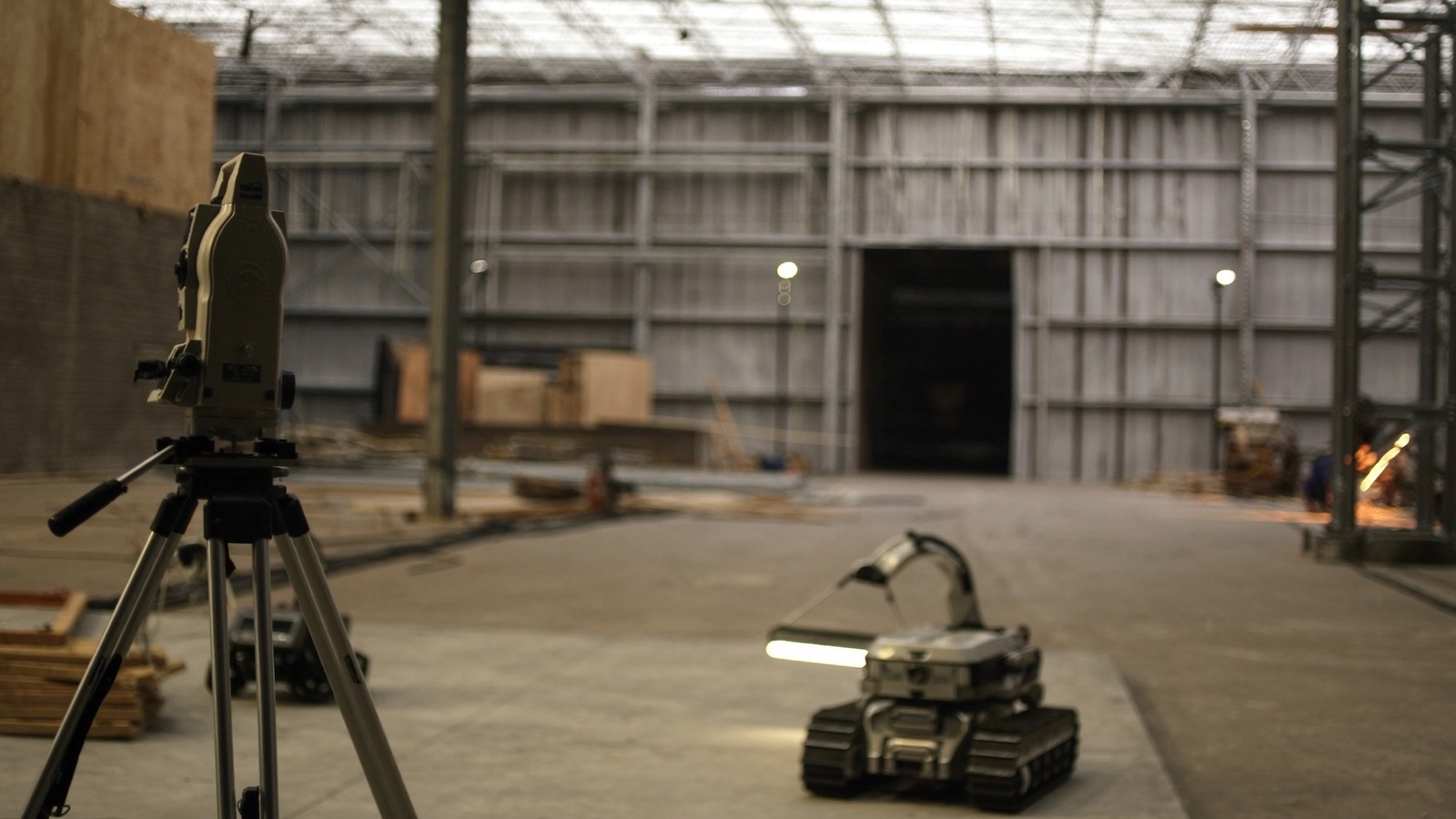
- What total station (or other positioning hardware) does the robot require? Does it support multiple brands, or is it locked to a single manufacturer? (Total station lock-in can add $15,000–$30,000 to the cost of entry if you don't already own the compatible instrument.)
- What is the process for handling model-to-field discrepancies discovered on site? Can the operator make field corrections without a BIM coordinator intervention, or does every discrepancy require model revision and re-export?
Red flags:
- "Works with any model" without specifics — every layout robot imposes specific model preparation requirements. "Any model" means the vendor hasn't documented them for you.
- Proprietary model-prep software with a separate annual license cost that isn't included in the headline pricing
- Single total station brand lock-in without a clear path to compatibility with your existing fleet
- No documented process for handling the BIM-to-field gap — this gap will exist on every project
Area 5: Operator training and certification
Operator capability is often the binding constraint on whether a robot can travel across your project roster.
Questions to ask:
- What does initial operator certification require — duration, format (on-site, classroom, online), prerequisites?
- What does certification allow the operator to do independently — can a certified operator register the machine to a new site without vendor support?
- How many operators have been certified to date, across all customers? In your region?
- What are the recertification requirements — annual, project-type-specific, or machine-software-version-specific?
- Is the training curriculum licensed to the customer (so you can train future operators internally), or is certification controlled exclusively by the vendor (so every new operator requires vendor engagement)?
- What is the vendor's response if your certified operator is unavailable mid-project — do they provide backup operational support, and at what cost?
Red flags:
- Certification that requires the vendor present for every site registration or model import — this means you have not purchased operator independence, you have purchased a managed service with an equipment label
- No pathway to in-house training — training that must always route through the vendor is a permanent support dependency
- Vendor controls certification and has exercised that control to invalidate certifications when disputes arise (ask reference customers about this directly)
- No disclosed total operator count — a vendor who won't tell you how many operators they've trained globally is managing optics, not sharing information
Area 6: Liability, insurance, and regulatory compliance
Questions to ask:
- What does the vendor's product liability insurance cover — per occurrence and aggregate limits? Does it cover incidents on a customer's active jobsite?
- Does the vendor's coverage interact with your project's wrap-up insurance (OCIP/CCIP)? Have they provided a certificate of insurance that complies with your standard subcontractor rider requirements?
- Who is liable if the robot injures a worker on site: the vendor, the operator, or the GC? How is this addressed in the contract's indemnification language?
- What regulatory filings, if any, are required to operate autonomous or semi-autonomous equipment in your jurisdiction? (This varies; some states and municipalities have specific rules for autonomous construction equipment on public projects.)
- If the robot damages the structure, an adjacent structure, or third-party property, what is the vendor's coverage and indemnification obligation?
Red flags:
- Indemnification language that places all site liability on the GC regardless of vendor equipment failure
- Insurance certificates that exclude "contractor's equipment" or limit coverage to "testing and demonstration" rather than commercial deployment
- No acknowledgment of OSHA applicability in the contract language — the vendor hasn't thought through the regulatory environment
- Vendor disclaims all liability for "user error" with a definition of user error broad enough to cover any field condition deviation from a controlled environment
The red-flags checklist
Use this as a quick reference after reviewing vendor materials:
Automatic caution:
- Annual minimum utilization commitments
- IP rating below IP54 for indoor construction equipment
- No regional service capacity
- Software license expires independently of hardware ownership
- No total operator count disclosed
- Certification requires vendor presence for every site registration
- No loaner/replacement policy for extended downtime
- No in-house training pathway
Due diligence required:
- "Works with any model" without documented preparation requirements
- Pricing quoted per robot-hour inclusive of idle time
- Single total station brand lock-in
- Vibration tolerance not stated or not tested
- All reference projects in a single geography or single project type (may not transfer)
- Company founded fewer than 3 years ago with no second-generation hardware
Reference customers: the questions vendors don't prepare them for
Any vendor's provided reference list is curated. Ask references questions the vendor didn't prepare them for:
- "What was the single biggest thing that went wrong in your first deployment, and how did the vendor respond?"
- "Have you ever had a project where the robot couldn't complete the scope as originally planned? What happened?"
- "Did you renew the contract / buy more machines? Why or why not?"
- "What does your operator continuity look like — what happened when your original operator moved on?"
- "Would you deploy this robot on a project type you haven't deployed it on before without vendor support?"
A vendor with a strong deployment program will have references who answer these questions directly. A vendor with a thin deployment track record will have references who deflect to "it was a great experience."
Putting it together
The six evaluation areas above — commercial terms, support, ruggedization, BIM integration, operator training, and liability — together determine whether a vendor can deliver on an active construction jobsite at your scale. The red-flags checklist is not a pass/fail gate; it is a list of items that require satisfactory explanation before contract signature.
Construction robots are genuinely useful tools on matched projects. The evaluation rigor described here is not skepticism about the technology — it is the standard that any commercial equipment procurement on an active project site deserves.
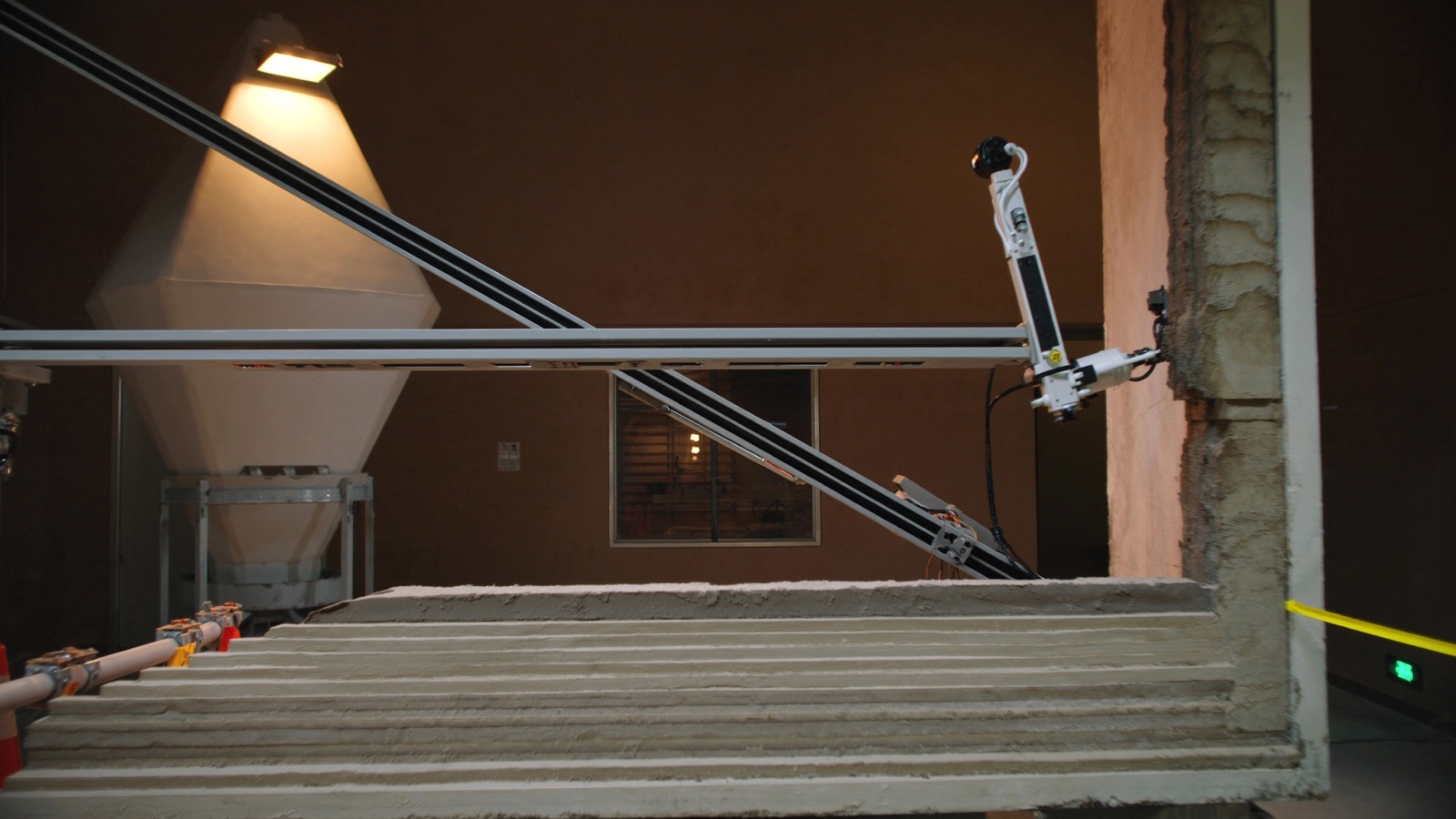
For demolition contractors, the Brokk line (/robots/brokk-300) represents one of the more documented deployment and service networks in the construction robotics market — relevant as a reference point for what a mature vendor support model looks like when evaluating newer categories. For 3D concrete printing, the COBOD BOD2 (/robots/bod2) and PERI 3D Construction printer (/robots/3d-drucker) are the current market reference points for gantry-based printing systems.
The catalog at Robolist.ai tracks the broader construction robot market across all task categories. Use it to benchmark the vendor landscape before entering any procurement conversation.
Discussion
0 commentsNo comments yet. Sign in to be the first.