The real cost of a construction robot
A TCO model that includes the costs vendors don't quote
The quote that looked like it would pay back in 18 months
A layout-robot vendor shows a slide: $X in capital cost, $Y in labor savings per square foot, Z million square feet of commercial slab you lay each year — the math says you break even in 18 months. A superintendent in the room nods. The number feels credible.
What the slide doesn't include: transport between your fourteen active sites, the survey crew that has to be on site for every registration, the three months the machine sat idle while you had no matching project, the service call when the encoder failed at week seven, the operator who left the company and the cost of training a replacement, or the contractor's liability rider your insurance carrier required when you added an autonomous machine to your certificate.
This article builds the complete TCO model. The goal is to get to a realistic cost-per-unit-of-work that can be compared directly against your current labor cost for the same task — not against a vendor benchmark derived from their best-case project.
What belongs in a construction robot TCO
Construction robotics TCO has seven cost categories. Most vendor proposals cover two of them: capital cost and direct labor savings. The other five are real.
1. Acquisition or service cost
Capex path: Purchase price plus any initial installation or calibration costs. For a mid-range layout robot, market pricing has ranged roughly $250,000–$500,000 depending on sensor package, range, and bundled software. For remote demolition robots, the range is wider — a compact electric unit in the Brokk-100/170 class runs significantly less than the larger Brokk-500, which is priced for infrastructure and industrial work. For 3D concrete printing gantries like the COBOD BOD2, the system involves foundation infrastructure and takes a full project commitment.
RaaS path (Robotics-as-a-Service): Some vendors — more common in layout and surveying than in demolition — offer subscription or project-based pricing where you pay per square foot processed, per shift, or per month. RaaS transfers capital risk but requires careful scrutiny of minimum commitment terms, what happens during machine downtime, and whether the rate is competitive with self-operated ownership at your utilization level.
Do not compare capex and RaaS on headline number alone. See the decision framework in Article 4 of this series.
2. Mobilization and demobilization
Mobilization (mob) and demobilization (demob) are line items on every project budget for major equipment. They should be for robots too — and they rarely are in vendor-provided ROI models.
Mob/demob for a construction robot includes:
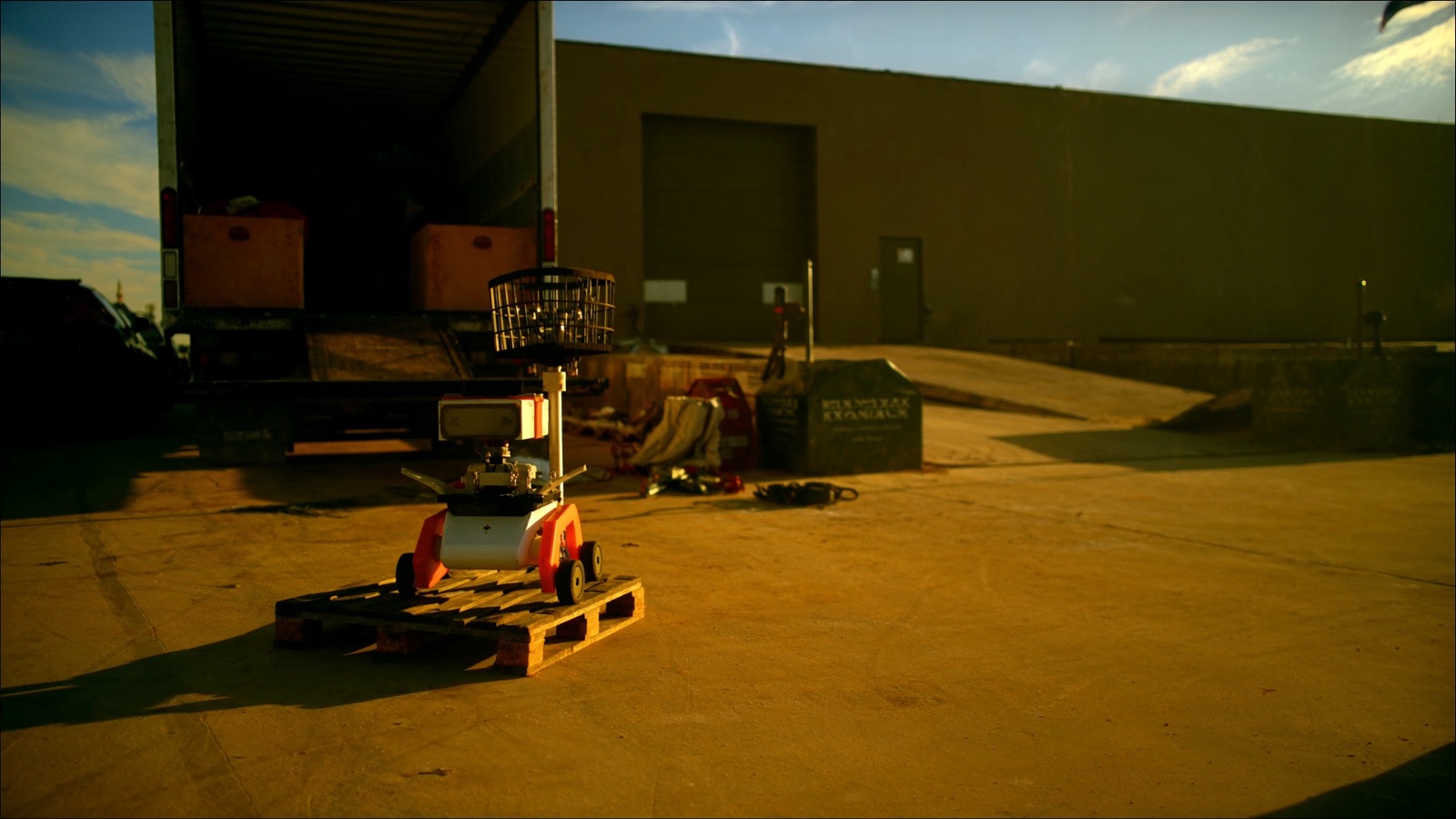
- Physical transport: The cost of moving the machine between sites. This ranges from "fits in a pickup bed" (some compact systems) to "requires a 26-foot truck with a liftgate and a day of logistics coordination" (larger demolition and printing systems). For a machine you move ten times a year across a metro area, budget at minimum half a day of driver time plus vehicle cost per move. For regional or interstate moves, add freight costs.
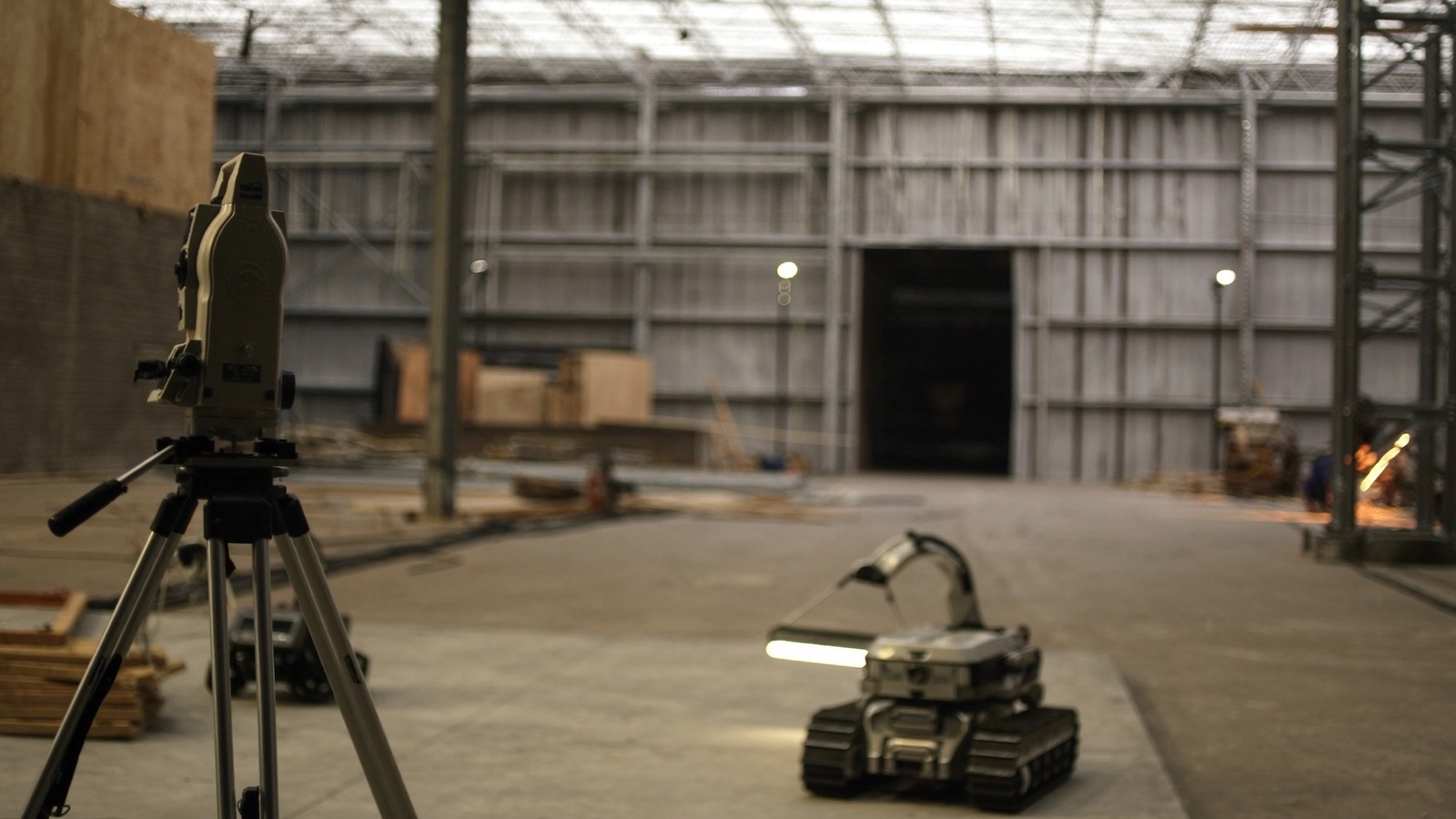
- Site registration / setup: Most autonomous or semi-autonomous robots require registration to each site's coordinate system. For layout robots, this typically means sighting established control points with a total station (the optical survey instrument that provides the machine's geospatial reference). Depending on the robot and the site, this can take 30 minutes or four hours. If you need a licensed surveyor, that's a separate cost.
- Safety walk and zone setup: Before a robot runs on an active jobsite, someone must define the exclusion zone, brief adjacent trades, and set up any required physical barriers. This is labor. On a busy multi-trade site, it can take a half-day.
Across a project roster, mob/demob overhead often adds 15–30% to total operating cost for site-mobile robots. This number drops as operators become more experienced but rarely disappears.
3. Operator and spotter labor
The vendor's labor-saving calculation usually compares: one robot operator versus a crew doing the same task by hand. What it omits:
The spotter: On virtually every active jobsite, an autonomous or semi-autonomous robot doing layout, scanning, or material handling cannot run unattended. OSHA requirements, site safety plans, and basic liability management require someone watching the machine's path for hazards, other workers, and equipment. This is the spotter. Depending on site activity, one operator can manage the robot while spotting, or you need a dedicated second person. If the spotter is an hourly laborer or apprentice, that's $35–$65 per hour in most U.S. markets. For a machine running 8 hours a day over a 60-day project, that's $16,000–$31,000 in spotter labor alone — on one project.
Operator rate premium: Certified construction robot operators command a wage premium over standard laborers or layout technicians. Depending on your market and the machine, this premium runs 10–25%.
Training cost: Initial operator certification typically runs $2,000–$8,000 per operator including travel. Recertification and advanced training for new site types adds to this over the machine's life. If you lose an operator, you pay again.
4. Downtime on a variable site
Construction sites are not factory floors. Concrete is wet. Trades bump machines. Floors have debris. Weather changes. Control points get disturbed. Power is unreliable.
For any machine with uptime targets derived from a warehouse or controlled-environment pilot, apply a real-world downtime adjustment when modeling ROI on your typical project mix. Meaningful downtime categories:
- Environmental: Dust, mud, water intrusion, vibration from adjacent jackhammering. Check IP ratings and vibration tolerances against your real site conditions, not a clean test environment.
- Site interference: Other trades working in the robot's path, material deliveries blocking runs, forklift traffic requiring halt-and-restart cycles.
- Integration failures: Loss of GPS signal (indoors), total station line-of-sight breaks, control point disturbance, BIM model discrepancies that prevent the machine from executing its plan.
- Mechanical: Battery failures, sensor drift, encoder wear, wheel/track contamination. For any machine you own, budget a maintenance reserve of 8–15% of purchase price annually, especially in the first two years when failure patterns are unknown.
A 20% downtime factor on a layout robot running on a typical commercial interior project is not pessimistic. It may be optimistic.
5. Consumables
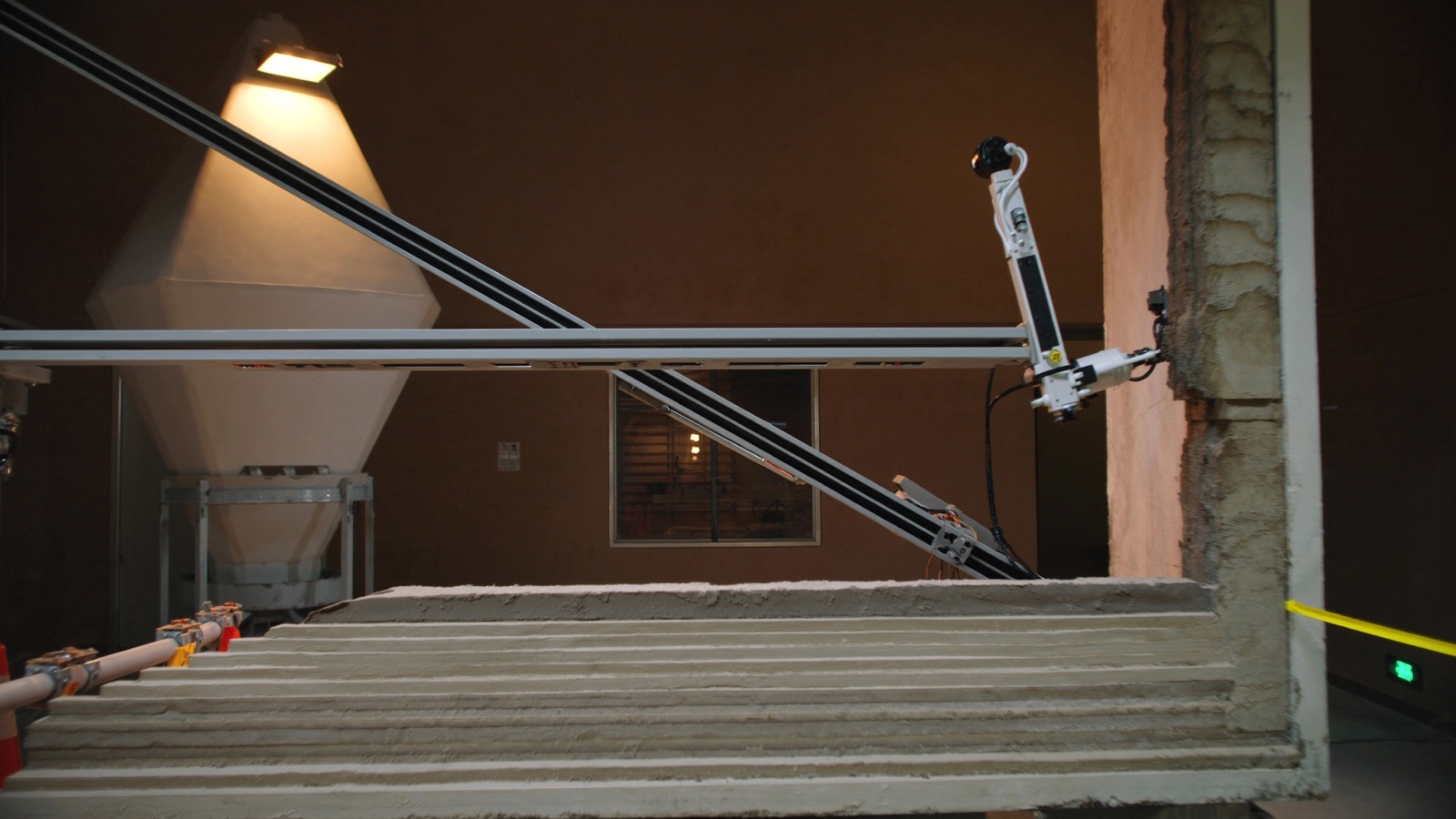
Some construction robots consume materials in operation. 3D concrete printing systems require continuous material supply — the mix design, pumping equipment, and material logistics are a substantial part of the system cost and need to be modeled per-project. Demolition robots use interchangeable tool attachments (hydraulic hammers, crushers, cutter heads) that wear and require replacement; for heavy demolition work, tooling can be a significant ongoing cost. Marking robots use chalk or ink; this is a smaller number but still real.
For any robot category, ask the vendor for per-unit-of-work consumable cost estimates and verify against comparable projects.
6. Idle time and carrying cost
Idle time — weeks when a robot is owned but not deployed — is the cost that most permanently breaks pilot ROI math when projected forward.
A machine with a five-year amortization and $80,000 per year in combined support, maintenance, and insurance costs you approximately $1,538 per week whether it runs or not. If it runs 30 weeks per year (a generous utilization rate for a contractor without a curated project funnel), that idle-time carrying cost adds $51 per deployed day before any other cost. For a machine running fewer weeks, the carrying cost per deployed day rises quickly.
Build your utilization estimate from your real project calendar — specifically the number of weeks per year you have active projects that match the robot's operating envelope. Compare against your current project roster, not an aspirational future where you've shifted project mix to favor the robot.
7. Insurance, liability, and compliance
Adding an autonomous or semi-automated machine to an active jobsite changes your insurance profile. Require your broker to review:
- Whether your existing wrap-up insurance (OCIP/CCIP) covers robotic equipment and the specific liability scenarios (worker injury adjacent to robot, property damage from machine error or runaway)
- Whether the robot vendor's insurance requirements align with your typical subcontractor rider requirements
- Any additional endorsements or premium impact from the robot category
On public infrastructure work, there may be regulatory notification or approval requirements for autonomous equipment. This varies by jurisdiction.
Building your TCO model: a working template
The table below provides a skeleton for estimating annual fully-loaded cost. Fill in your numbers.
| Cost category | Annual estimate | Notes |
|---|---|---|
| Capital amortization (purchase price / years) | $_____ | 5-year default; adjust for lease |
| Support contract | $_____ | Vendor support, software updates |
| Operator wage premium (above baseline) | $_____ | Annual hours × premium rate |
| Spotter labor | $_____ | Avg. hours per deployment × rate × deployments |
| Training and recertification | $_____ | Initial + annual refresher |
| Mob/demob costs | $_____ | Avg. cost per move × moves per year |
| Maintenance and repairs | $_____ | 8–15% of purchase price in yr 1–3 |
| Consumables | $_____ | Per-project estimate × deployments |
| Insurance/liability premium | $_____ | Broker estimate |
| Total annual cost | $_____ | |
| ÷ Deployed units of work per year | ÷ _____ | sq ft, LF, hours — your task metric |
| = Cost per unit of work | $_____ | Compare to current labor cost |
The comparison number — cost per unit of work — is what you set against your current fully-loaded labor cost for the same task. If you don't know your current fully-loaded labor cost (including supervision, rework, and waste), this is the moment to calculate it. Vendors will tell you that you're spending $X per square foot on layout. Verify that number against your own job-cost data.
RaaS vs capex: when the math favors each model
Capex makes sense when:
- Your project calendar has consistent, high-utilization matches for the robot year over year
- You have in-house operator capability and don't want to depend on vendor deployment teams
- The asset appreciates in capability through software updates that you own
RaaS makes sense when:
- Your project mix is unpredictable and utilization would be low
- You want to test a category before committing capital
- The vendor's RaaS pricing is competitive with your ownership cost at honest utilization
- You need the vendor's support infrastructure for site registration and troubleshooting
Watch for RaaS contract structures that include minimum utilization commitments, automatic renewals with price escalators, or technology refresh provisions that require upgraded hardware. These can close the apparent cost gap with ownership.
What the full number actually looks like
With honest modeling, the fully-loaded cost per square foot for a layout robot on a typical mid-size commercial project — when idle time, mob/demob, and spotter labor are included — often lands within 20–40% of current manual layout costs, not the 60–80% savings figure that vendor slides favor. At that margin, the robot still delivers value: reduced rework, better documentation, reduced survey crew dependence, higher accuracy. But the business case is tighter, and the sensitivity to utilization is significant.
For demolition robots, the economics are more clearly positive in specific scenarios: remote demolition where personnel safety is a real concern, environments with silica/asbestos/lead-paint exposure where PPE and health protocols drive manual labor cost up significantly, and precision interior demolition where minimizing vibration damage to adjacent structure is required. The Brokk line (/robots/brokk-300) is priced for specialty demolition contractors, not general trades — the ROI model works when the avoided labor cost includes hazmat protocols and the alternative is a jackhammer crew with full respiratory protection.
What comes next
Once you have your TCO model built, the next question is which tasks are actually worth running through it — meaning which construction tasks have demonstrated payback versus which are still in the "promising but unproven" category. That breakdown, by task class and project type, is in the next article: Payback by task: which construction robot categories have proven economics and which are still emerging.
Discussion
0 commentsNo comments yet. Sign in to be the first.