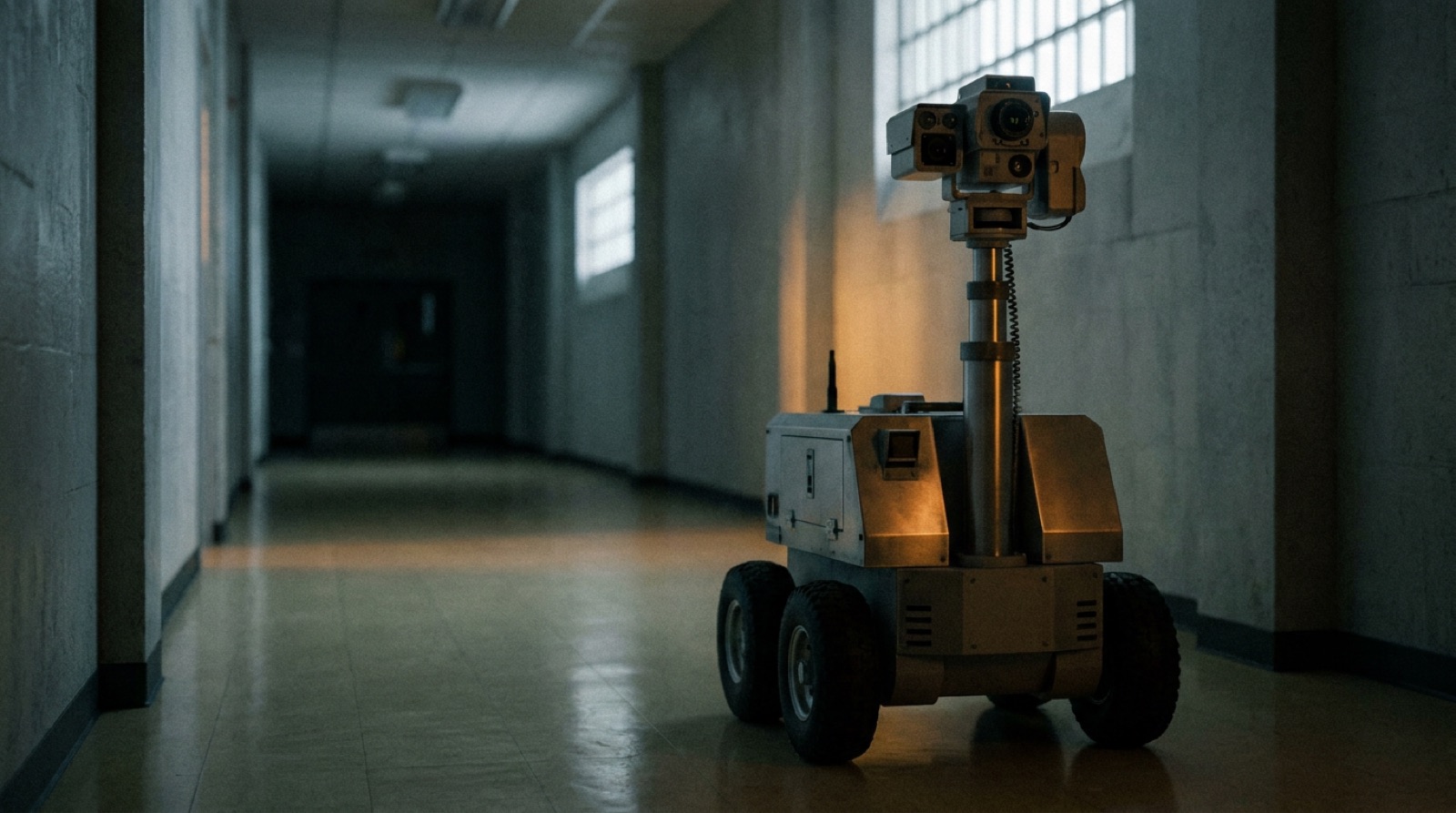
A 90-day playbook to deploy a security robot
SOC integration, route design, alarm SOPs, and your first measurable patrol

Why the first 90 days are the only days that matter
Security robot deployments do not fail in month six. They fail in month one, usually within the first two weeks, when false-alarm volumes exceed the SOC's tolerance, when the integration with the VMS breaks down, or when guard force resistance builds to the point where the deployment owner loses organizational support.
The 90-day playbook exists to front-load the decisions, configurations, and integrations that vendors typically defer until "after you've had a chance to get comfortable with the platform." Getting comfortable with a poorly configured system produces learned helplessness, not operational confidence.
This playbook is structured in four phases: pre-deployment (weeks –4 to 0), initial operation (weeks 1–3), calibration (weeks 4–8), and steady state (weeks 9–12). The milestone at the end of day 90 is a measurable patrol cadence with documented alert quality metrics — not just a robot that is running.
Phase 0: Pre-deployment (weeks –4 to 0)
Objective. Everything that needs to be true before the robot arrives.
Designate the deployment owner
One named individual must hold operational authority over the deployment. This person approves route changes, owns the alert threshold configuration, chairs the weekly performance review in the first 90 days, and is the primary contact with the vendor's technical support team. Without this role filled before the robot arrives, every decision becomes a committee discussion and every calibration gets delayed.
The deployment owner does not need to be technical. They need organizational authority and access to the security operations schedule.
Complete the site assessment
Before the robot ships, the vendor's technical team (or your integrator) should conduct a structured site assessment covering:
- Floor survey. Measure patrol area dimensions; identify surface transitions, grades, thresholds, and obstacle-prone zones. Mark areas to exclude from the initial route.
- Network audit. Map WiFi access point coverage or verify cellular signal strength at -85 dBm or better across the entire patrol area. Identify dead zones. Commission remediation before the robot arrives — a robot that loses connectivity mid-route is generating false "offline" alerts before you've calibrated anything else.
- Camera and VMS audit. Confirm which fixed cameras cover the patrol area. Obtain the VMS vendor's current API documentation. Verify the robot's software version compatibility against it. Do not accept verbal confirmation of integration compatibility — request a test connection to a staging instance.
- Access and schedule conflicts. Document when janitorial, maintenance, and receiving operations intersect with the planned patrol area. These become scheduled exclusion windows in the robot's patrol program.
Establish the monitoring protocol before day one
Write a one-page SOP (Standard Operating Procedure) document for alert handling. It should answer, at minimum:
- Which alert types require immediate guard response?
- Which alert types are logged and reviewed at shift end?
- Which alert types are dismissed as low-confidence noise?
- Who receives notifications for each category?
- What is the escalation path when the primary SOC operator is unavailable?
The robot will generate alerts on day one. Without this SOP in place, each alert becomes an improvised decision, and inconsistency accelerates alert fatigue.
Conduct a privacy and legal review
Security robots operating in semi-public or public-facing spaces (corporate lobbies, hospital corridors, parking areas with public access) capture biometric-adjacent data — faces, body silhouettes, license plates. Depending on your jurisdiction, this may trigger requirements under state biometric privacy laws (BIPA in Illinois, CCPA-related requirements in California, GDPR in the EU), employee monitoring disclosure requirements, and privacy policies visible to building occupants.
Before the robot begins operation, confirm:
- Whether your jurisdiction requires posted notice of robotic monitoring
- Whether employee notification or consent is required for monitoring in work areas
- How long video and sensor data is retained, where it is stored, and who has access
- Whether the vendor processes or stores biometric data and under what terms
This review should be conducted by legal counsel familiar with applicable privacy law, not by the robot vendor.
Phase 1: Initial operation (weeks 1–3)
Objective. Establish baseline performance data and guard the deployment from early organizational rejection.
Start with a reduced patrol zone
Do not deploy the robot on its full intended route in week one. Start with a single well-understood zone — one corridor, one parking lot section, one building floor — where you can observe the robot's behavior closely and verify sensor calibration before expanding coverage.
The goal in week one is not coverage. It is confidence: confirming that the navigation system handles the actual environment as advertised, that the VMS integration produces readable events, and that the alert SOP is workable.
Conduct guard force orientation before the robot goes live
Security guards who encounter an operational robot for the first time without preparation will stop it, report it as an anomaly, or avoid it. More consequentially, guards who perceive the robot as a threat to their roles will generate organizational friction that undermines the deployment owner's authority.
A one-hour orientation session covering what the robot does and does not do, how it will interact with guard operations, and why the deployment is additive to the security program (not a headcount signal) is not optional. The guards who interact with the robot daily should be able to operate the emergency stop if required and know how to report a robot behavior that seems wrong.
Establish the false-alarm baseline
In the first two weeks, document every alert by type, time, zone, and root cause classification:
- True positive. Alert triggered by a genuine anomaly (after-hours unauthorized presence, threshold crossing, etc.)
- Environmental false positive. Alert triggered by HVAC temperature variation, reflective surfaces, lighting changes, or other environmental factors unrelated to a security event.
- Operational false positive. Alert triggered by authorized personnel conducting legitimate activity (janitorial, maintenance, receiving).
The goal is to reach a week-two false positive rate below 80% of all alerts. If the false positive rate remains above 80% at the end of week two, schedule an alert threshold calibration session with the vendor before expanding the patrol zone.
Phase 2: Calibration (weeks 4–8)
Objective. Tune the system to operational performance. This is the highest-leverage phase.
Alert threshold calibration
Most security robot platforms expose per-sensor and per-zone alert thresholds in the management interface. The default configuration shipped by vendors is calibrated for a generic environment; your environment is specific. Calibration is an iterative process of adjusting thresholds, observing the resulting alert mix over 3–5 days, and adjusting again.
Thermal sensitivity. In environments with HVAC equipment, server rooms, or industrial machinery, thermal false positives are common. Lower sensitivity thresholds in zones with known thermal noise sources.
Motion detection zones. Most platforms allow per-zone motion detection sensitivity. Zones adjacent to busy public areas (building entrance during business hours) should have lower sensitivity or time-of-day-gated activation.
License plate and facial detection. If the platform supports license plate recognition (LPR) or face detection, configure allowlists for regular vehicles and staff before these systems generate operational alerts. Pre-populating an allowlist for 80% of the vehicles that appear in a parking lot during normal operations eliminates a large category of false positives immediately.
Route expansion and geofence review
At the end of week four, assuming the initial zone is performing at an acceptable false positive rate (under 30% of alerts are false positives), expand the patrol zone toward the full intended coverage area. Add one zone at a time and repeat the baseline documentation process for each new zone.
Geofences — defined exclusion zones where the robot will not operate — should be reviewed and updated as you expand. Common geofence requirements include: perimeter around loading dock equipment, exclusion zones around server racks or electrical panels with restricted access, and time-of-day exclusions around areas with shift-change foot traffic.
VMS event correlation
By week six, robot alerts and fixed-camera events should be appearing as correlated timelines in the VMS. Verify that:
- Robot GPS position at alert time correlates with the relevant fixed camera angle
- Video from the robot and from fixed cameras can be synchronized for incident reconstruction
- Alert events are tagged with robot identity, patrol route, zone, and sensor type
If the VMS integration is not producing correlated events by week six, escalate to the vendor and the VMS integrator as a critical issue. Uncorrelated events mean you are operating two separate security systems that cannot reinforce each other.
Phase 3: Steady state (weeks 9–12)
Objective. Establish measurable KPIs and document the first operational baseline.
Define and measure KPIs
By the end of 90 days, you should be measuring:
| KPI | Target |
|---|---|
| False positive rate | < 20% of all alerts |
| Patrol completion rate | > 95% of scheduled routes completed |
| Uptime | > 90% (system operational and patrolling during scheduled hours) |
| Alert response time | SOC acknowledgment within defined SLA per alert tier |
| Coverage events per shift | Total area surveilled per patrol cycle, logged |
The specific KPI thresholds above are representative starting points; adjust based on your operational requirements and the vendor's stated performance benchmarks.
Document the first incident or near-miss handled with robot data
The most powerful internal advocacy for a security robot deployment is a concrete example of robot data contributing to an incident outcome. This might be a trespasser detection that led to a guard response, a license plate logged from a vehicle that was later involved in an incident, or a timestamped patrol record that refuted a false liability claim.
Document this example. It becomes the basis for the performance review you will conduct at the end of the initial contract period.
Conduct a privacy and operational compliance review
At 90 days, revisit the privacy review conducted in Phase 0. Confirm that data retention policies are being followed, that posted notices are in place where required, and that data access logs are clean. This review should be repeated annually.
90-day milestone checklist
- Deployment owner named and accountable
- Site assessment documented (floor, network, VMS, schedule conflicts)
- Alert handling SOP written and distributed
- Privacy and legal review completed
- Guard force orientation completed before live operation
- False-alarm baseline documented (weeks 1–2)
- Alert thresholds calibrated (weeks 4–6)
- Full patrol route active (week 6 or later)
- VMS event correlation confirmed
- KPIs defined and first measurement taken
- First documented incident or near-miss with robot data
A deployment that completes this checklist at 90 days has a fundamentally different retention trajectory than one that arrives at month three with none of it formalized.
For the RFP questions and contract red flags to evaluate before you commit to a vendor, continue with "The security-robot vendor RFP."
Discussion
0 commentsNo comments yet. Sign in to be the first.